Prerequisites:Documentation Index
Fetch the complete documentation index at: https://infisical-feat-gateway-connector.mintlify.app/llms.txt
Use this file to discover all available pages before exploring further.
- Set up and add envars to Infisical Cloud
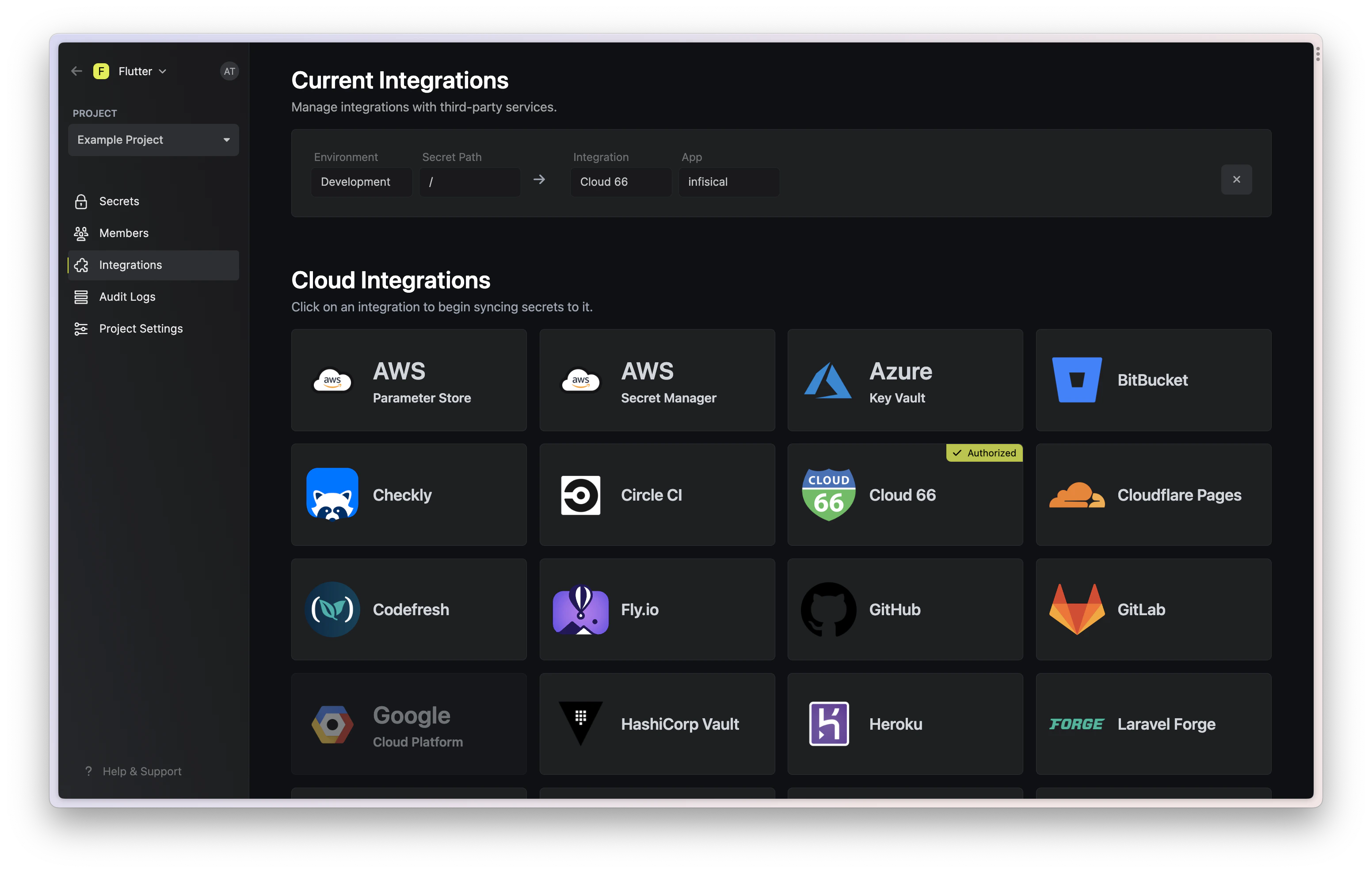
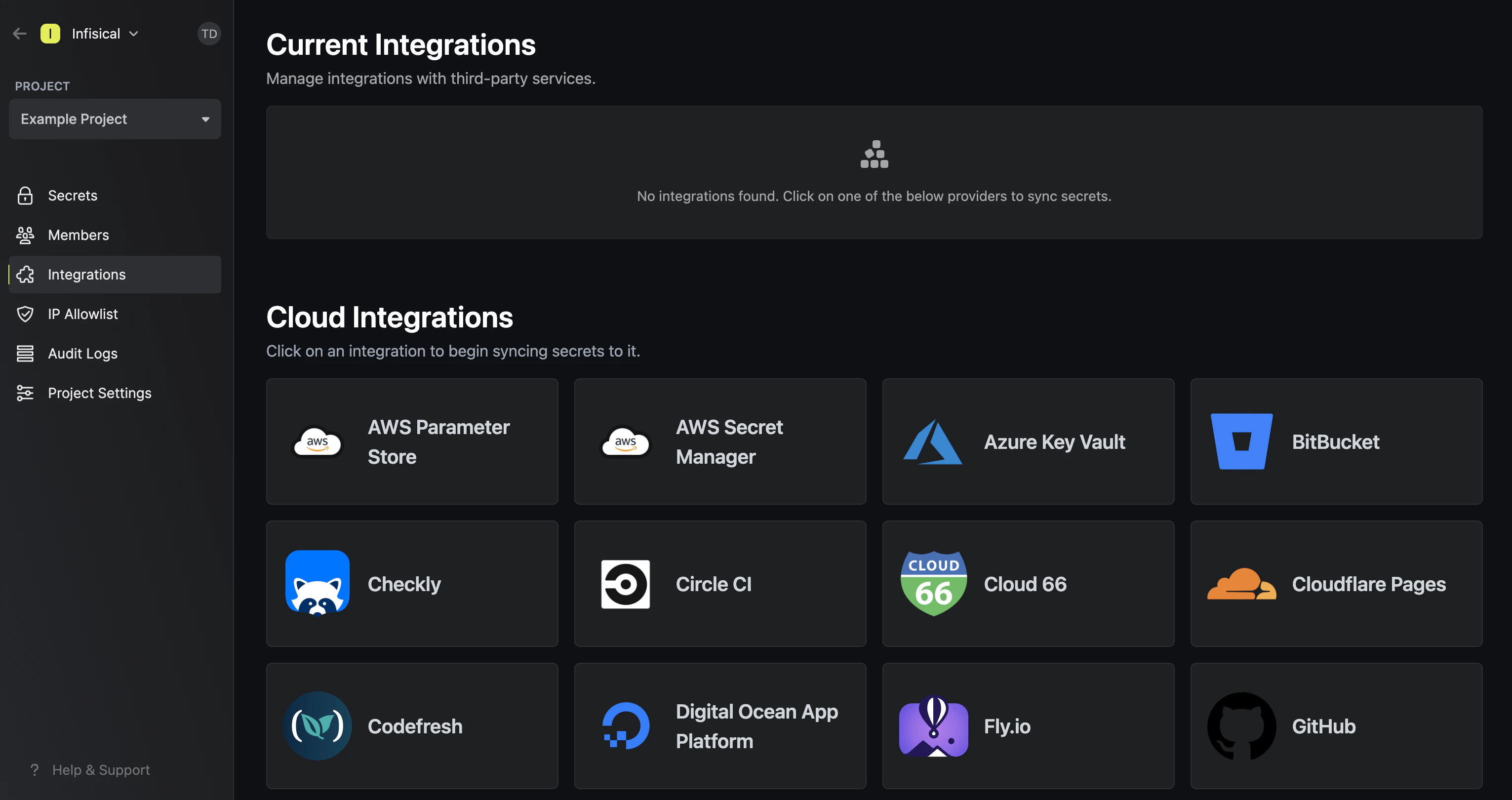
Navigate to your project’s integrations tab
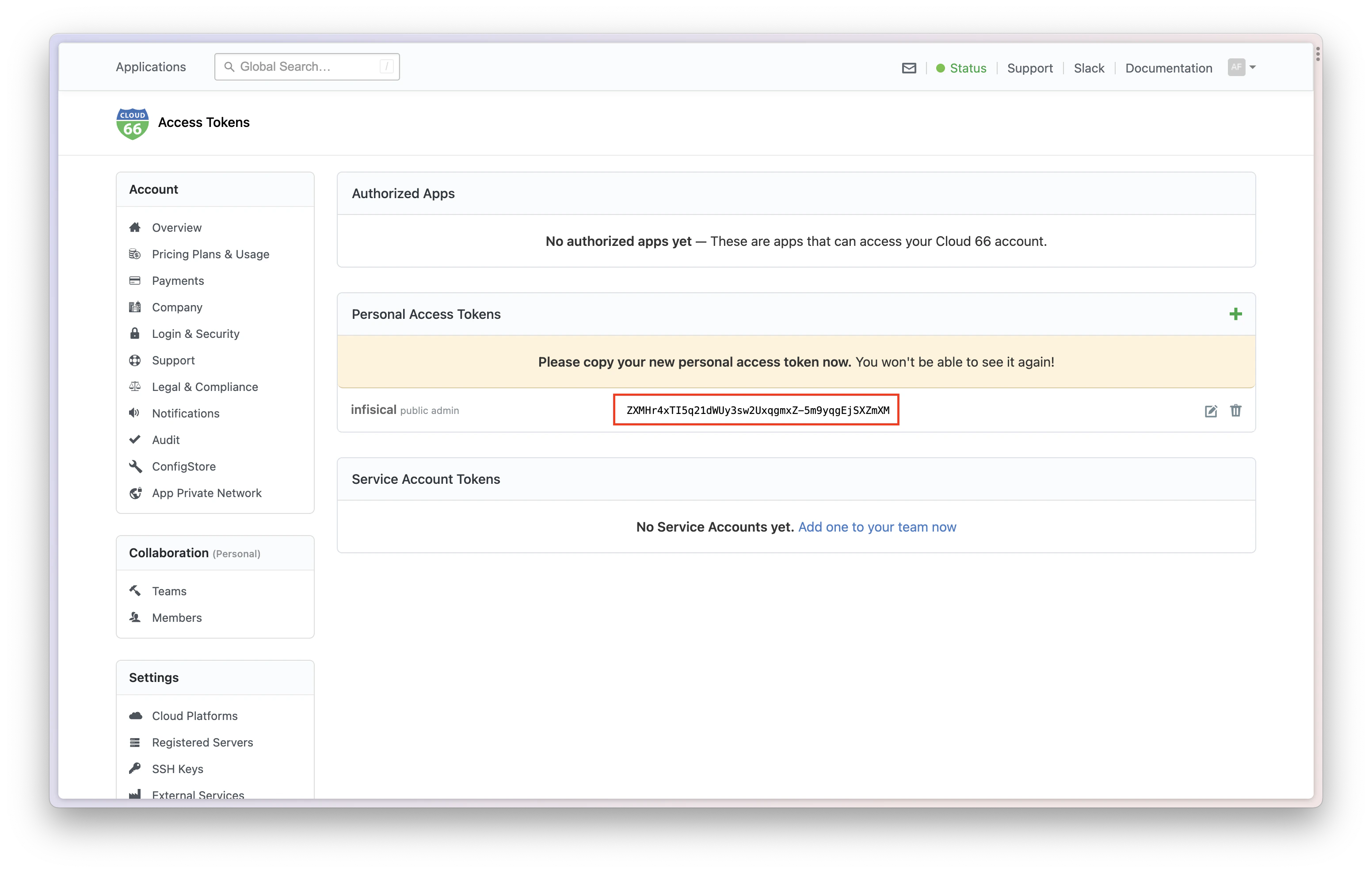
Enter your Cloud 66 Access Token
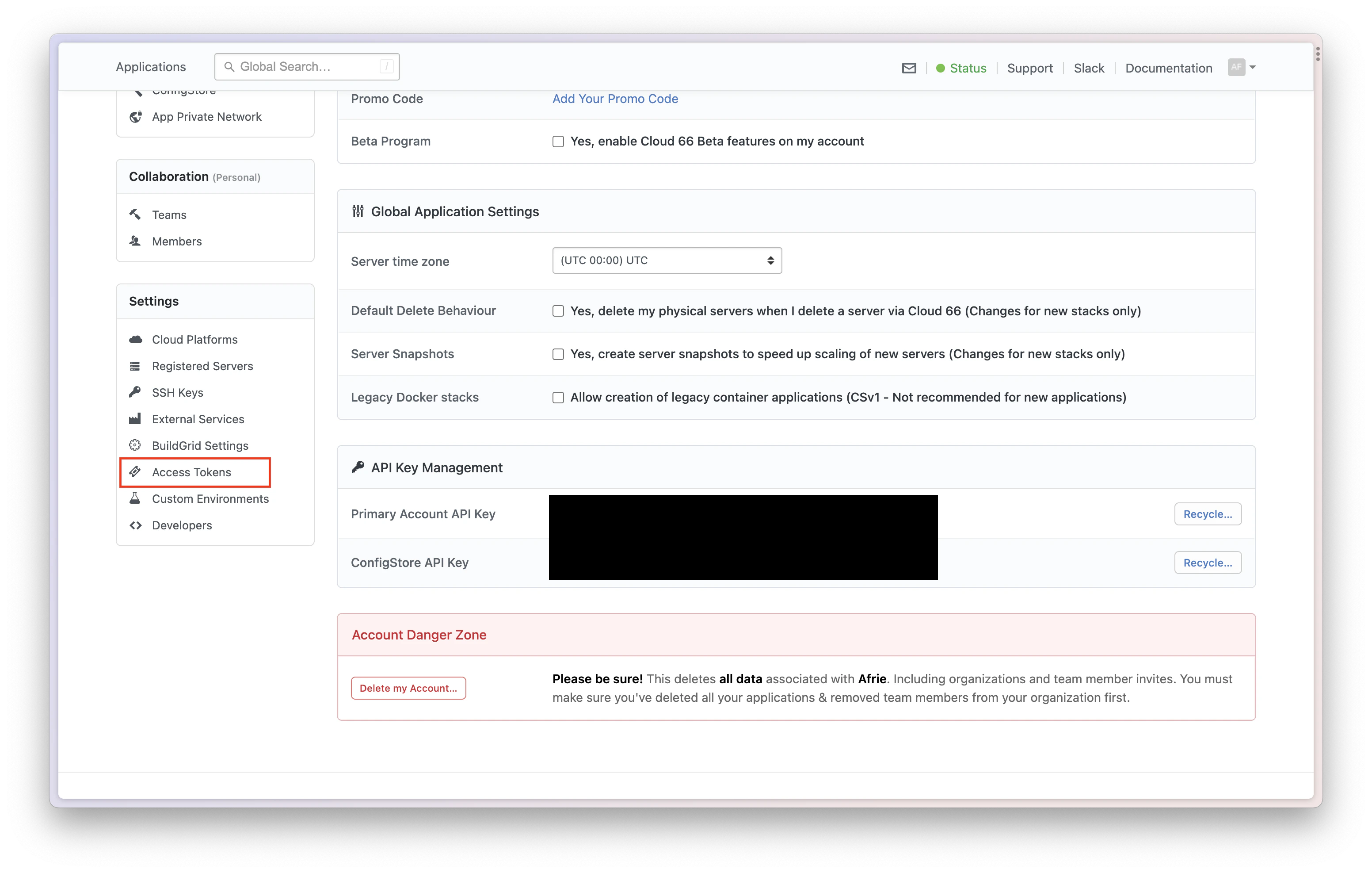
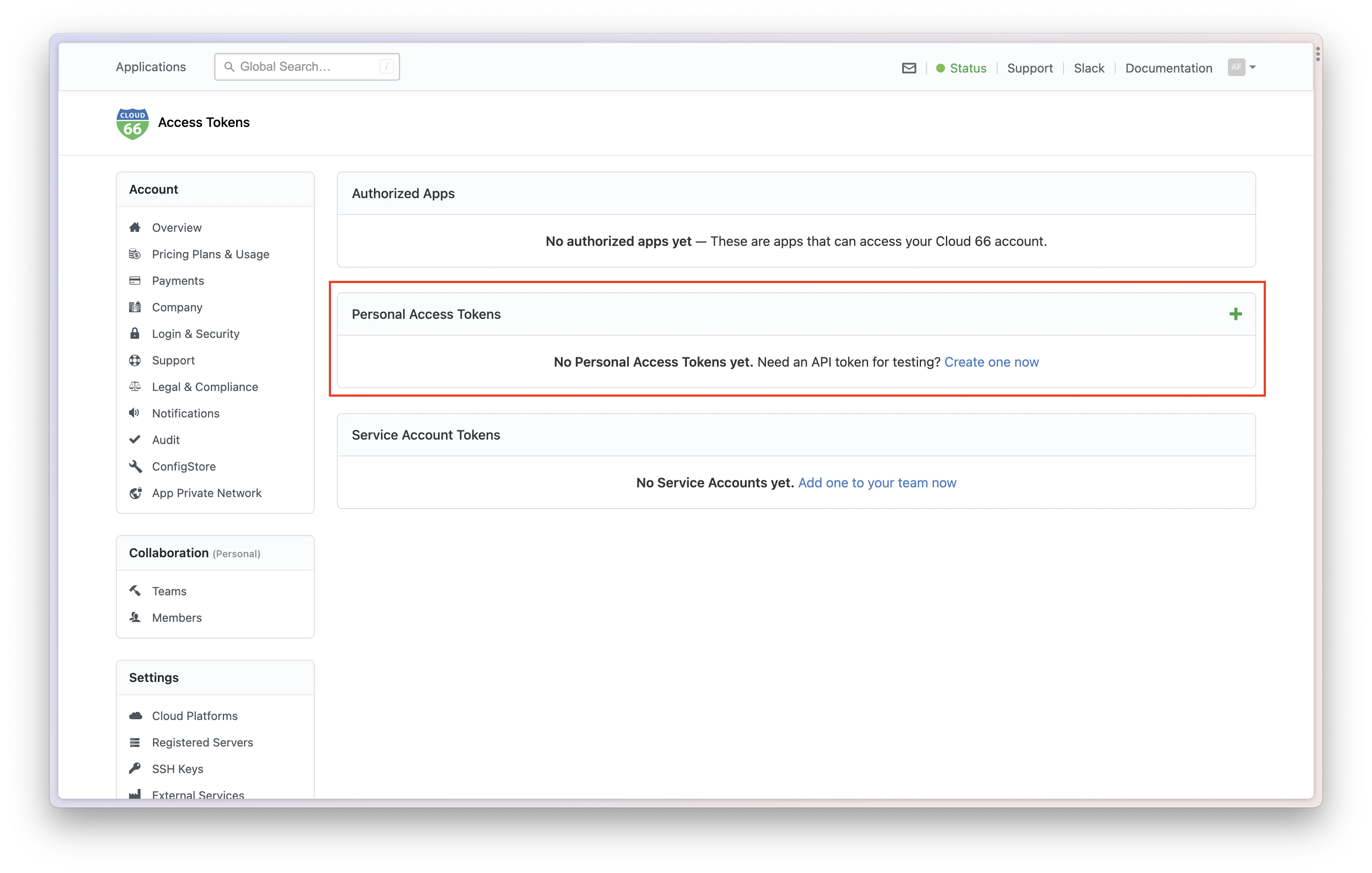
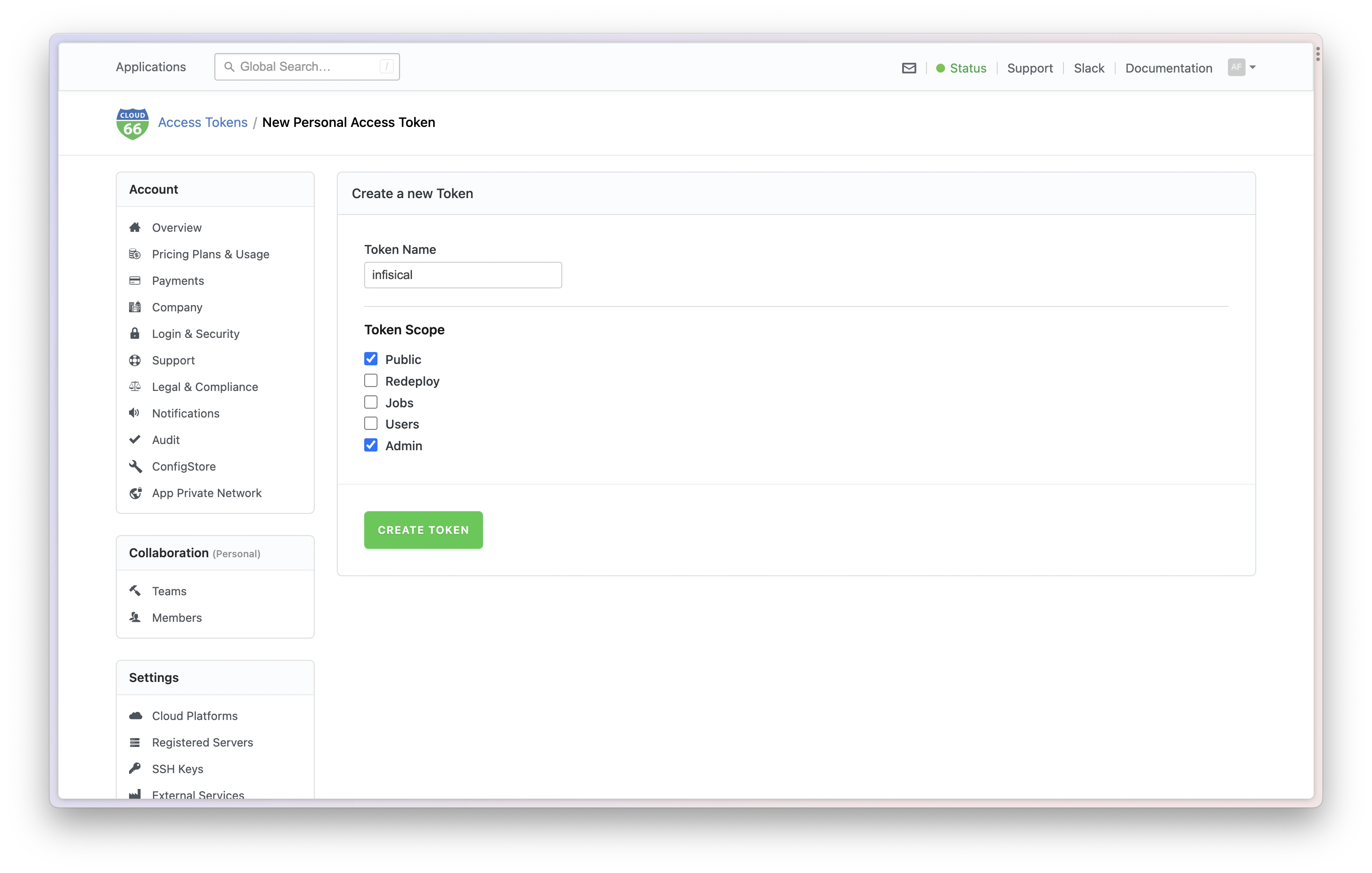
In Cloud 66 Dashboard, click on the top right icon > Account Settings > Access Token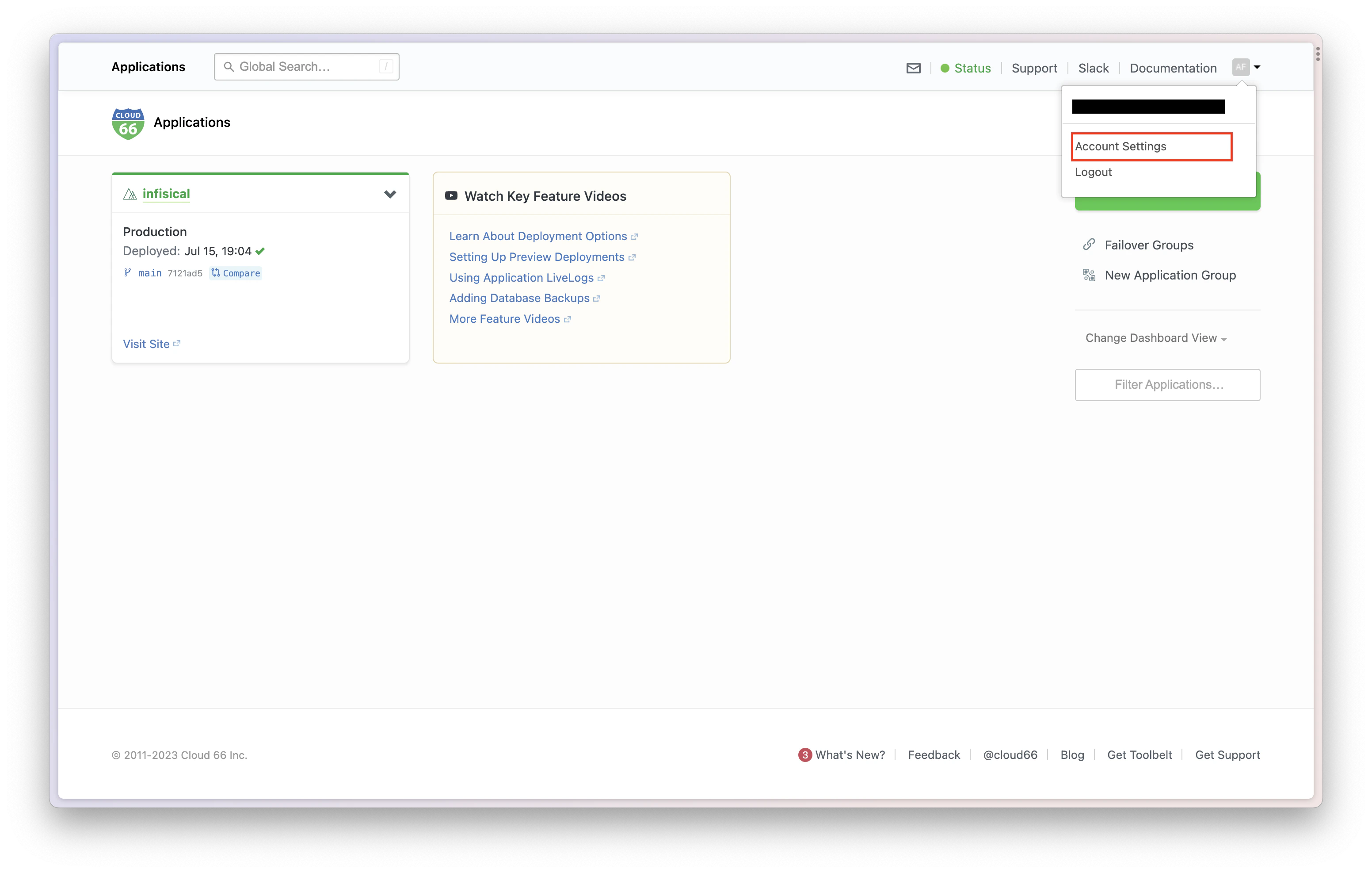
Go to Infisical Integration Page
Click on the Cloud 66 tile and enter your API token to grant Infisical access to your Cloud 66 account.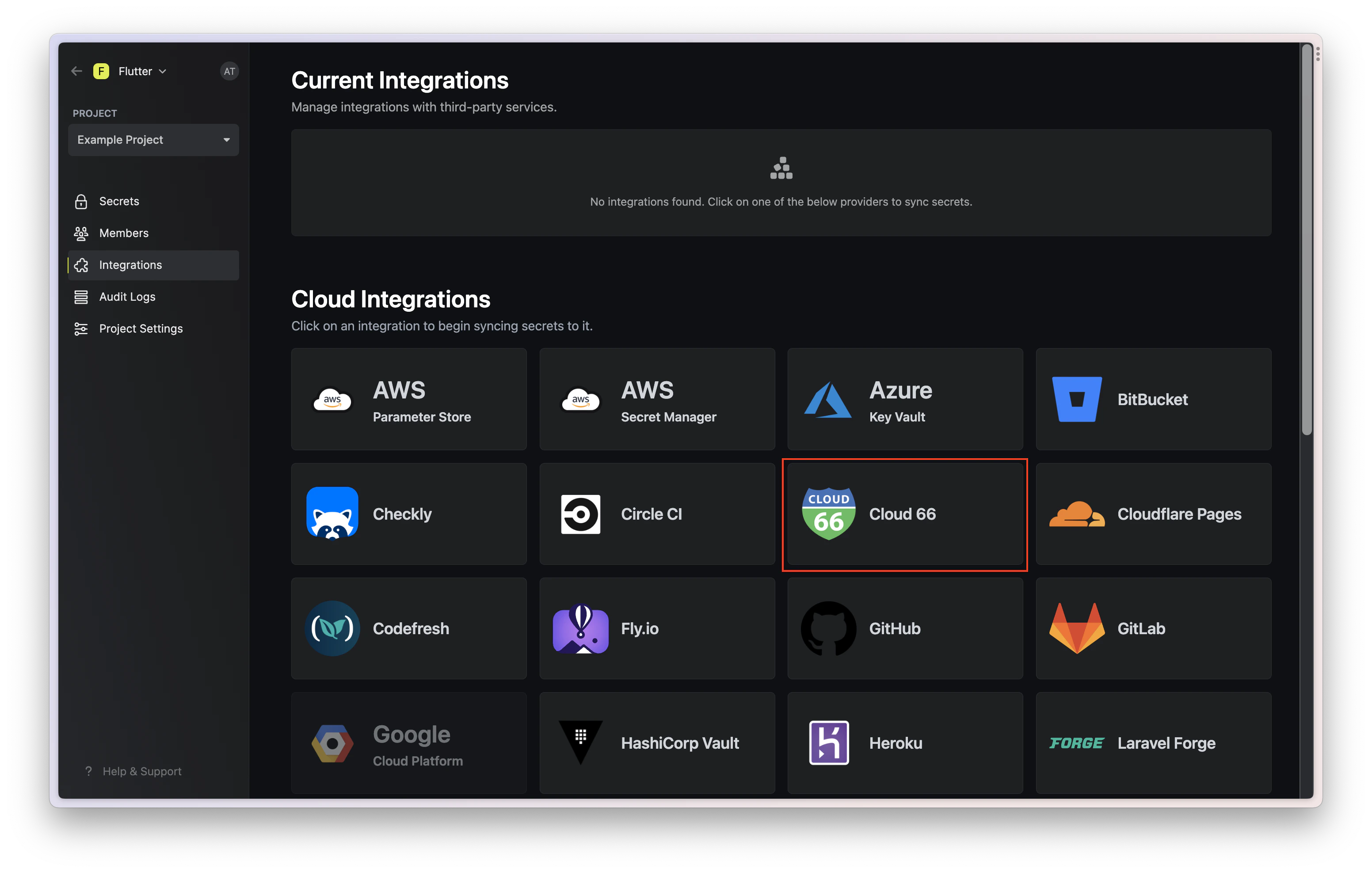
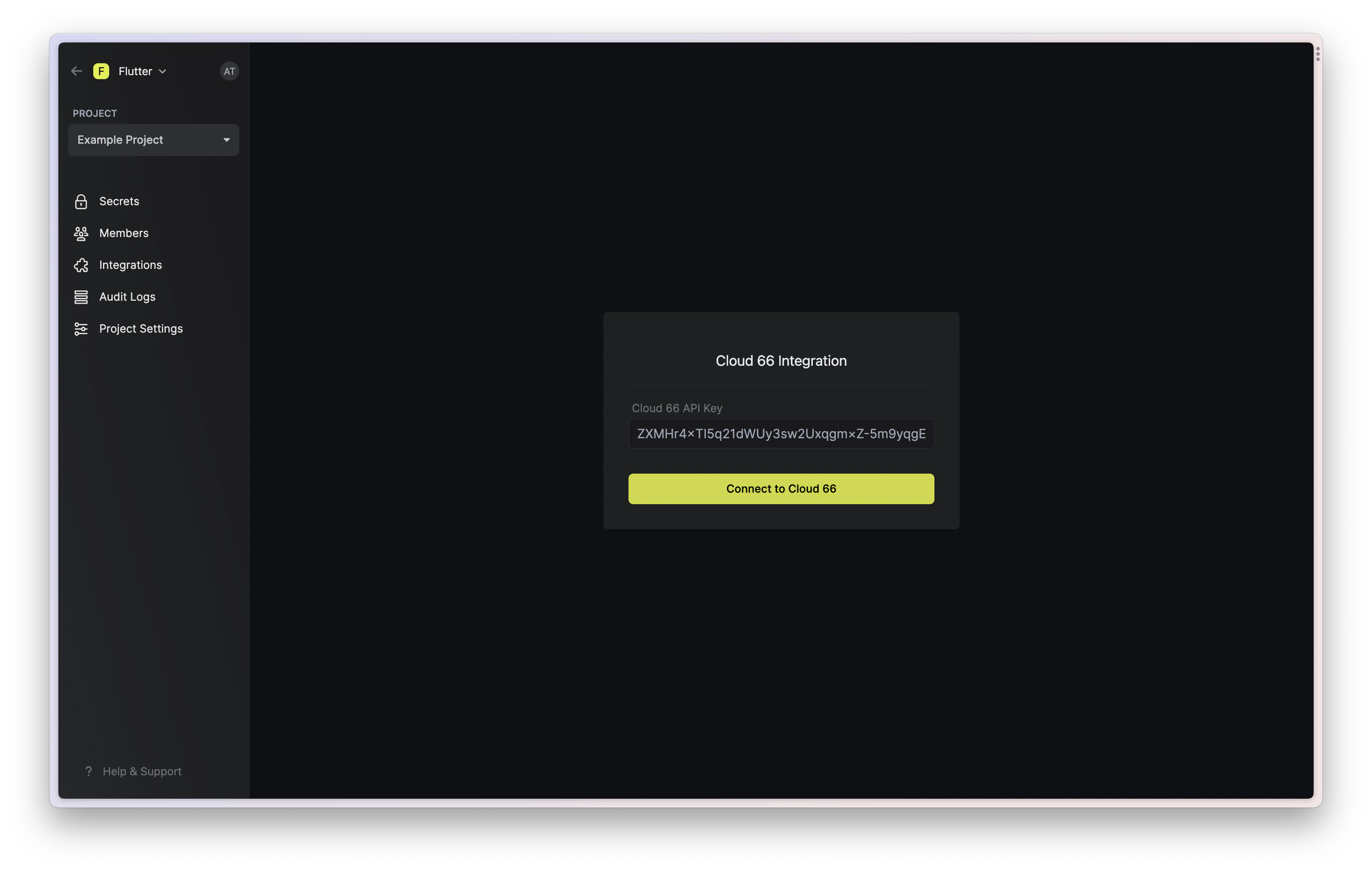
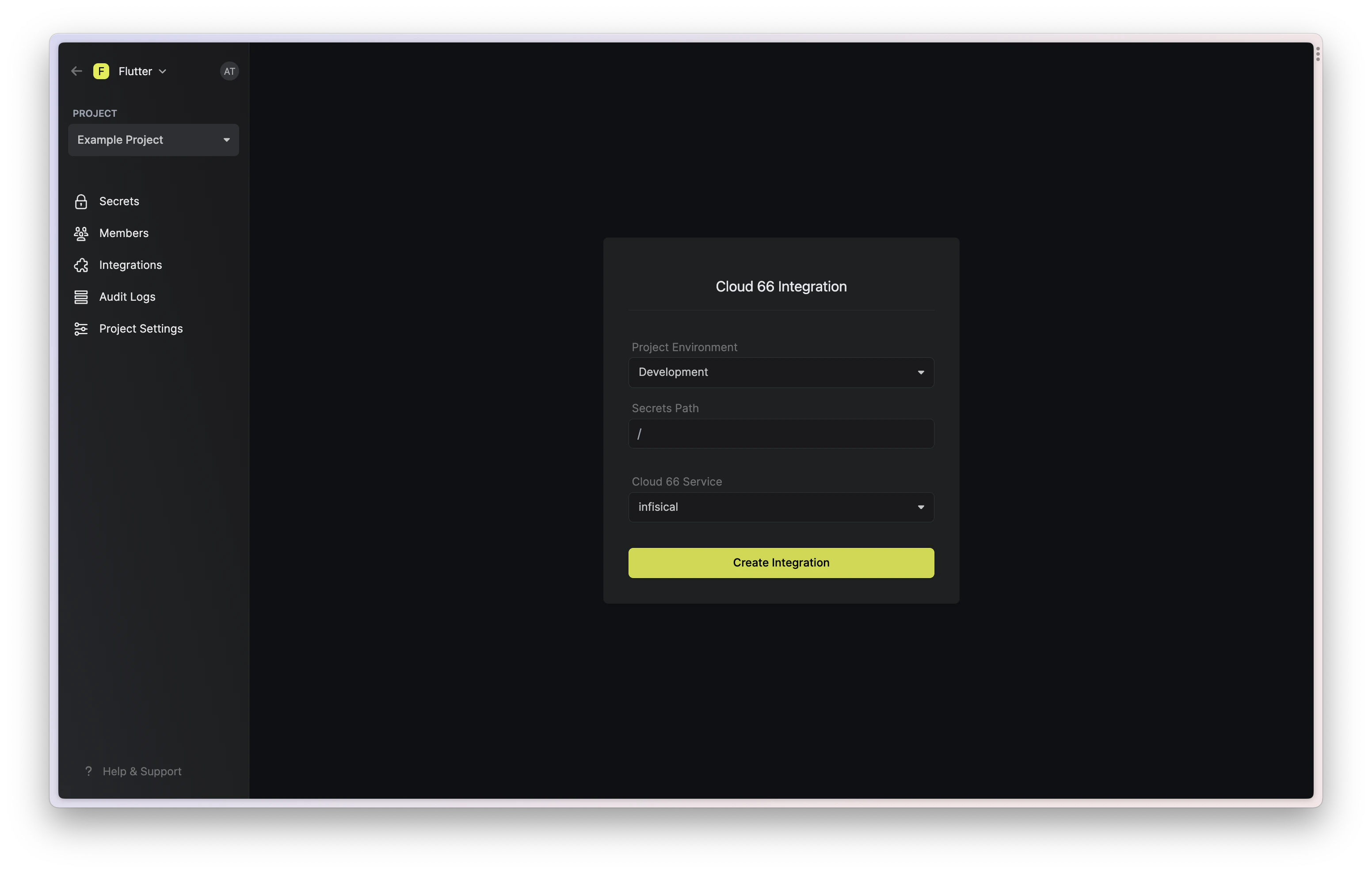
Start integration
Select which Infisical environment secrets you want to sync to which Cloud 66 stacks and press create integration to start syncing secrets to Cloud 66.