Documentation Index
Fetch the complete documentation index at: https://infisical-feat-gateway-connector.mintlify.app/llms.txt
Use this file to discover all available pages before exploring further.
Infisical integrates with Netlify’s new environment variable experience. If
your site uses Netlify’s old environment variable experience, you’ll have to
upgrade it to the new one to use this integration.
Authorize Infisical for Netlify
Navigate to your project’s integrations tab in Infisical.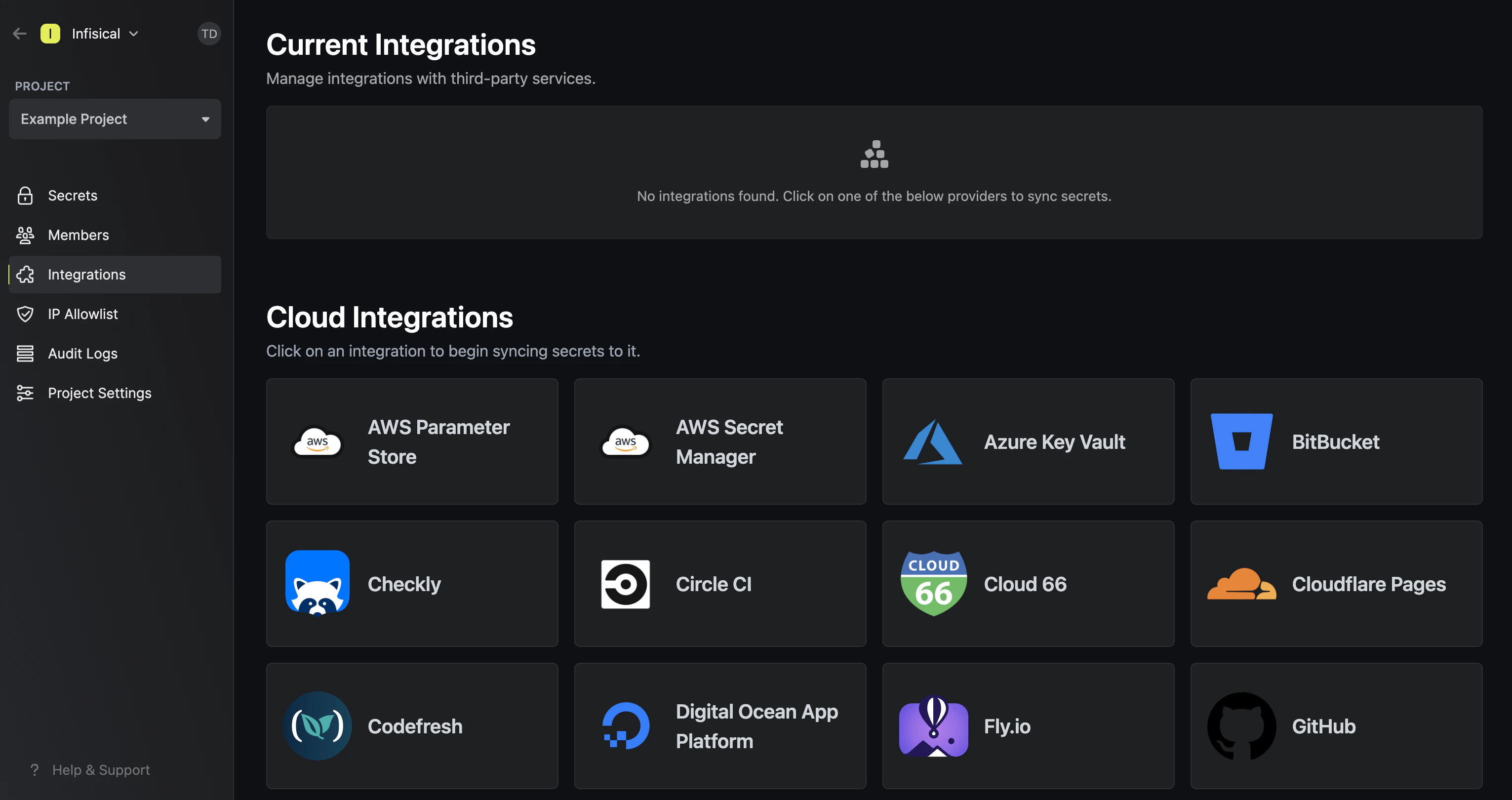 Press on the Netlify tile and grant Infisical access to your Netlify account.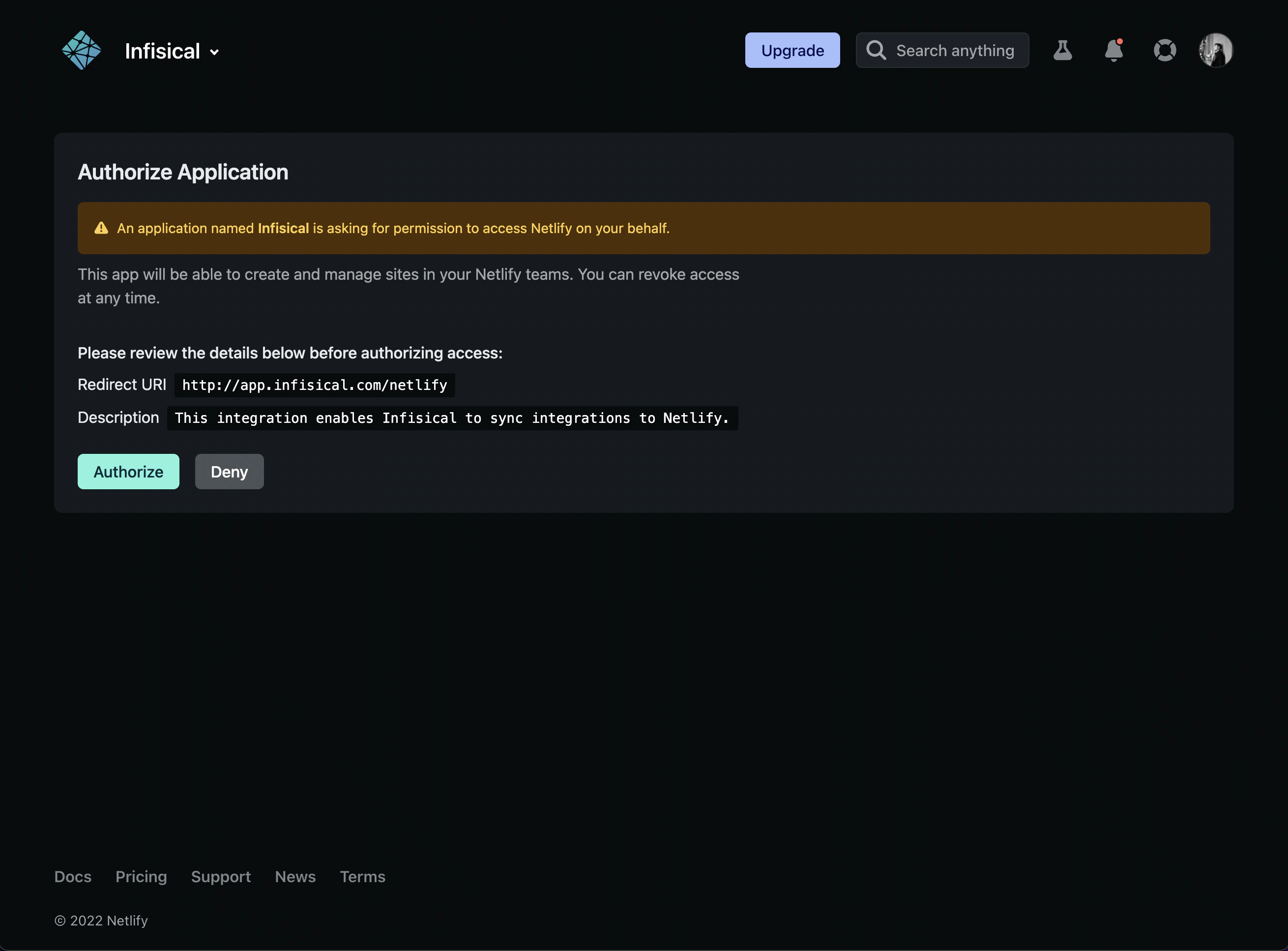
Start integration
Select which Infisical environment secrets you want to sync to which Netlify app and context. Lastly, press create integration to start syncing secrets to Netlify.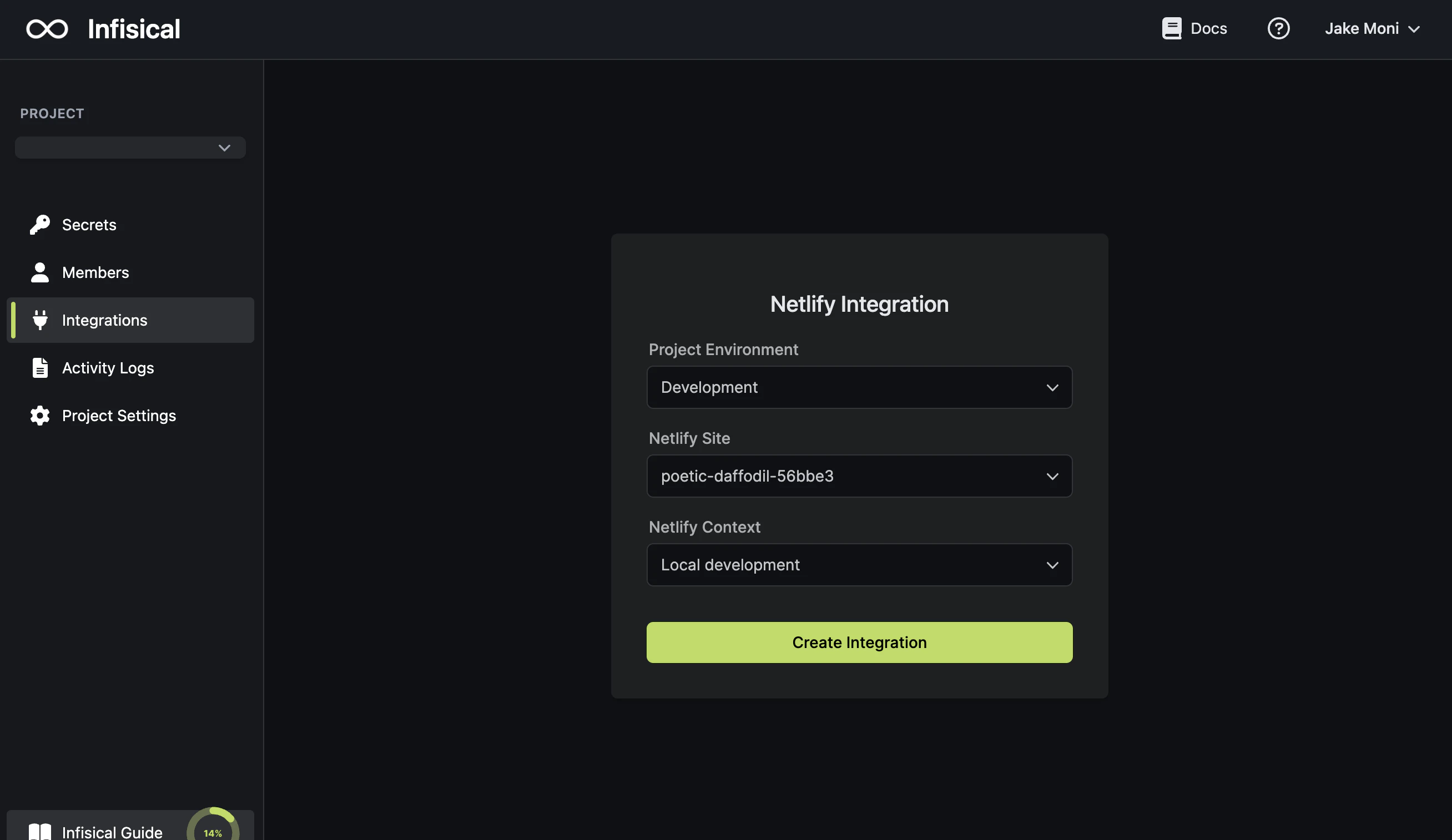
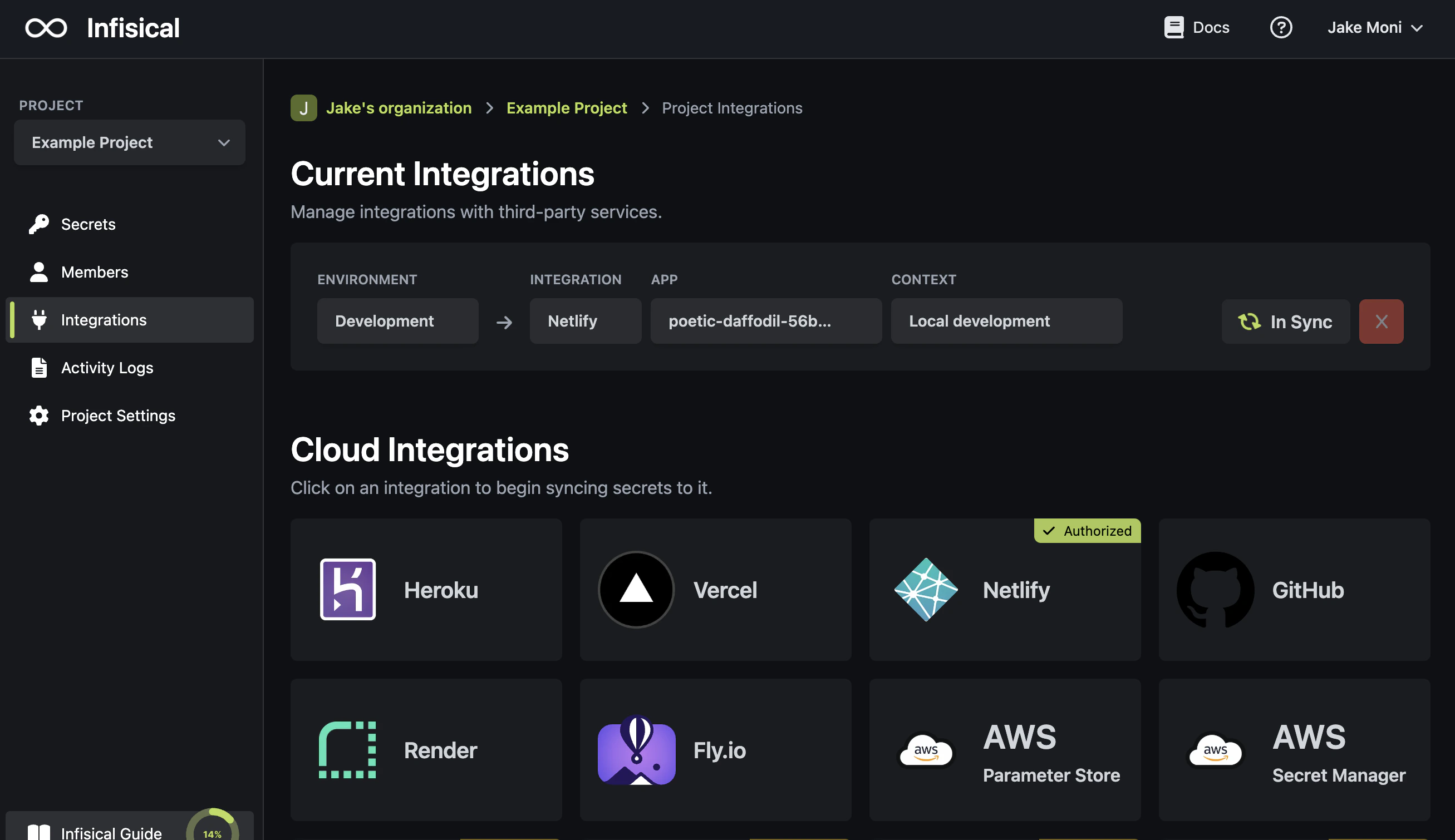
Using the Netlify integration on a self-hosted instance of Infisical requires configuring an OAuth application in Netlify
and registering your instance with it.Add your Netlify OAuth application credentials to Infisical
Obtain the Client ID and Secret for your Netlify OAuth application. Back in your Infisical instance, add two new environment variables for the credentials of your Netlify OAuth application.
CLIENT_ID_NETLIFY: The Client ID of your Netlify OAuth application.CLIENT_SECRET_NETLIFY: The Secret of your Netlify OAuth application.
Once added, restart your Infisical instance and use the Netlify integration. 


