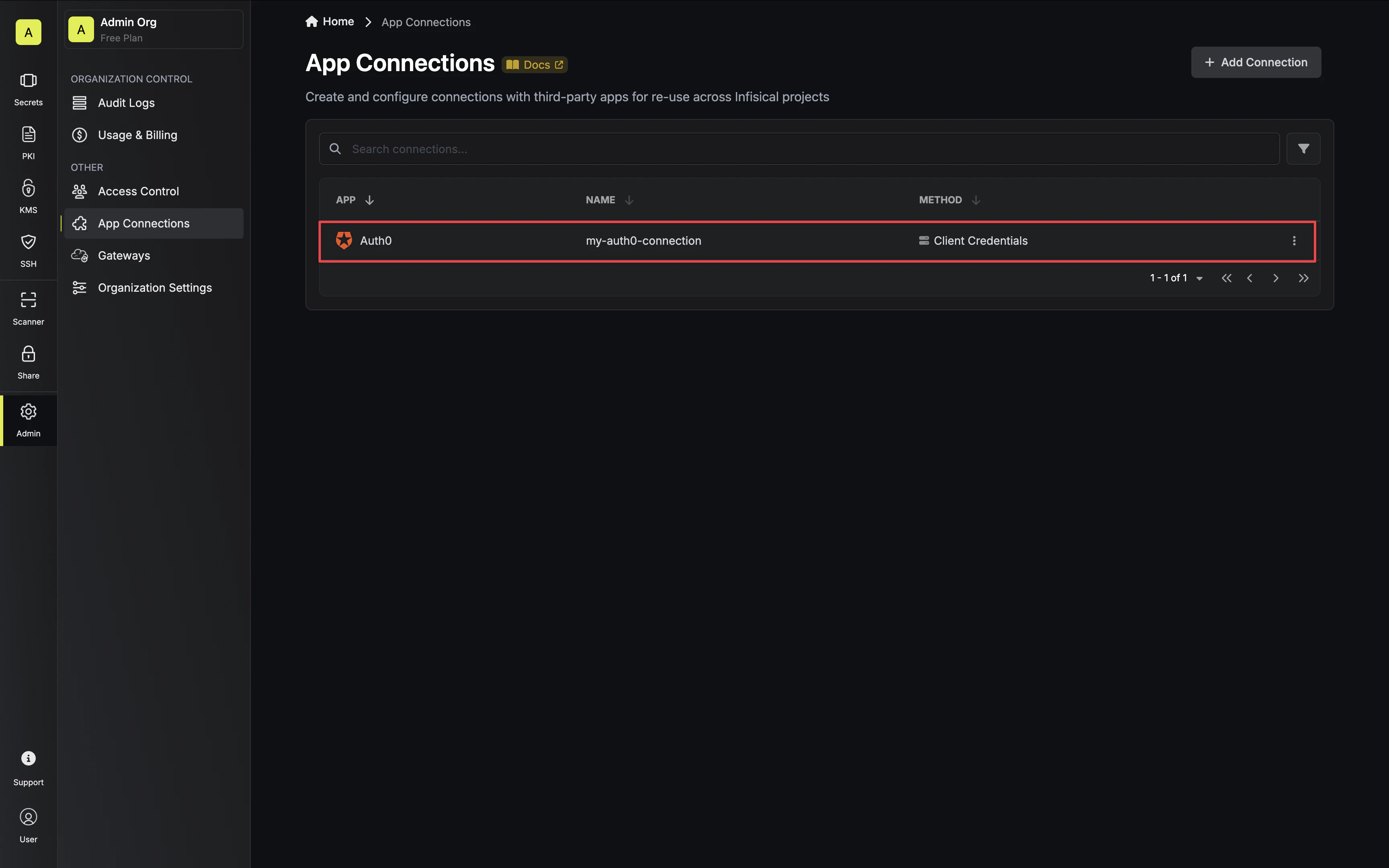
Infisical supports the use of Client Credentials to connect with your Auth0 applications.Documentation Index
Fetch the complete documentation index at: https://infisical-feat-gateway-connector.mintlify.app/llms.txt
Use this file to discover all available pages before exploring further.
Configure a Machine-to-Machine Application in Auth0
Auth0 Applications Dashboard
Navigate to the Applications page in Auth0 via the sidebar and click Create Application.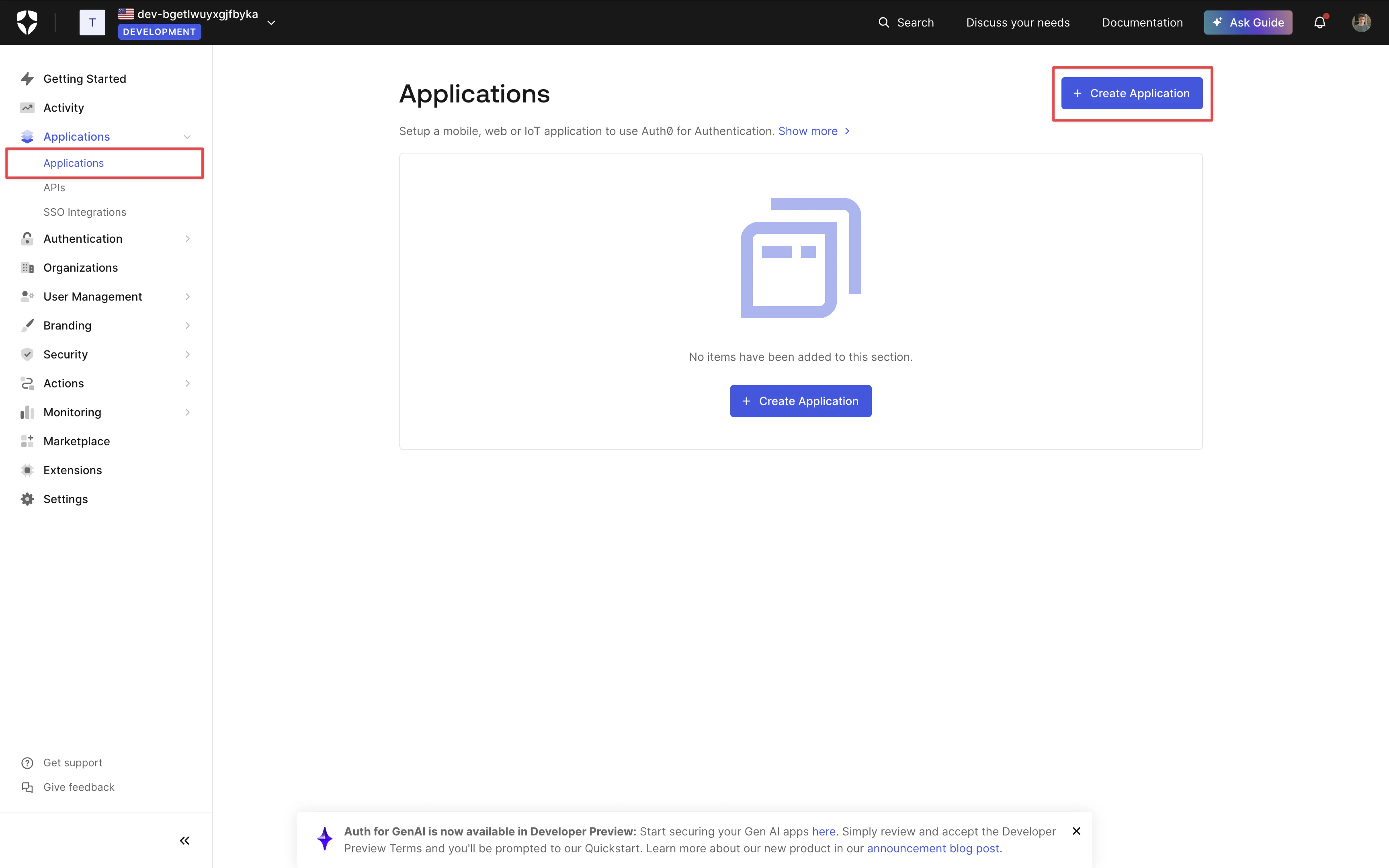
Create a Machine-to-Machine Application
Give your application a name and select Machine-to-Machine for the application type.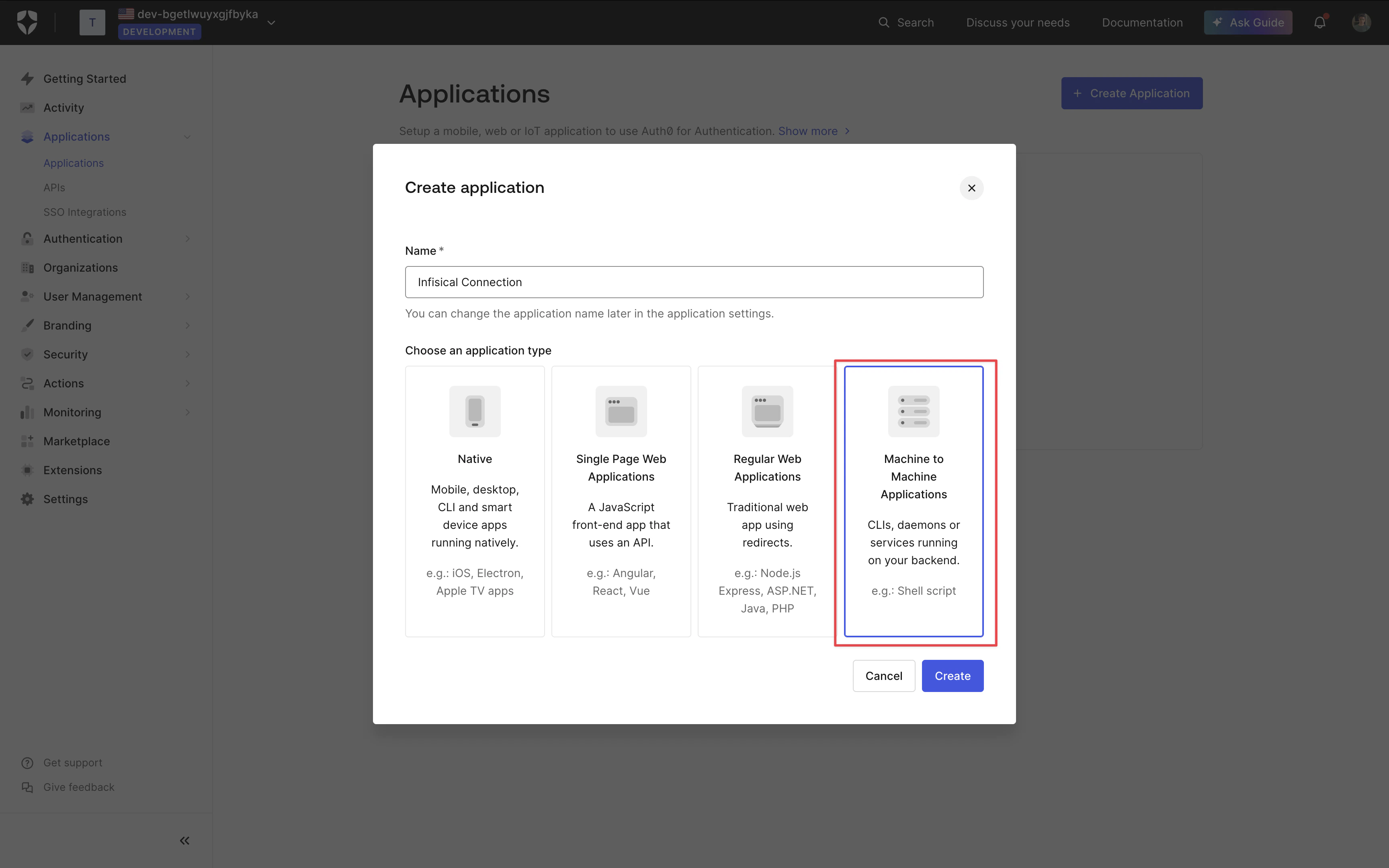
Configure Authorization
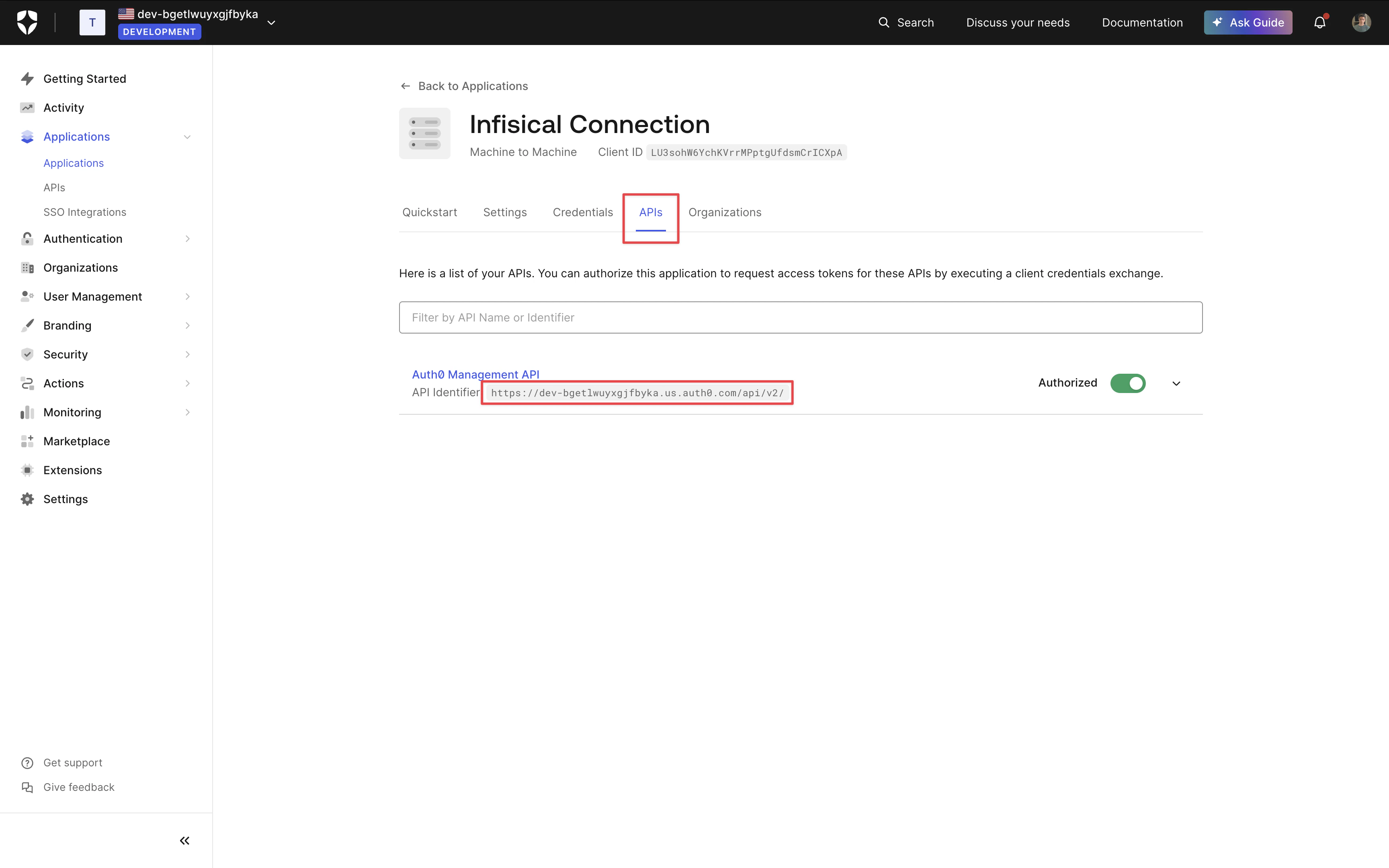
Depending on your connection use case, authorize your application for the applicable API and grant the relevant permissions. Once done, click Authorize.
- Secret Rotation
Select the Auth0 Management API option from the dropdown and grant the 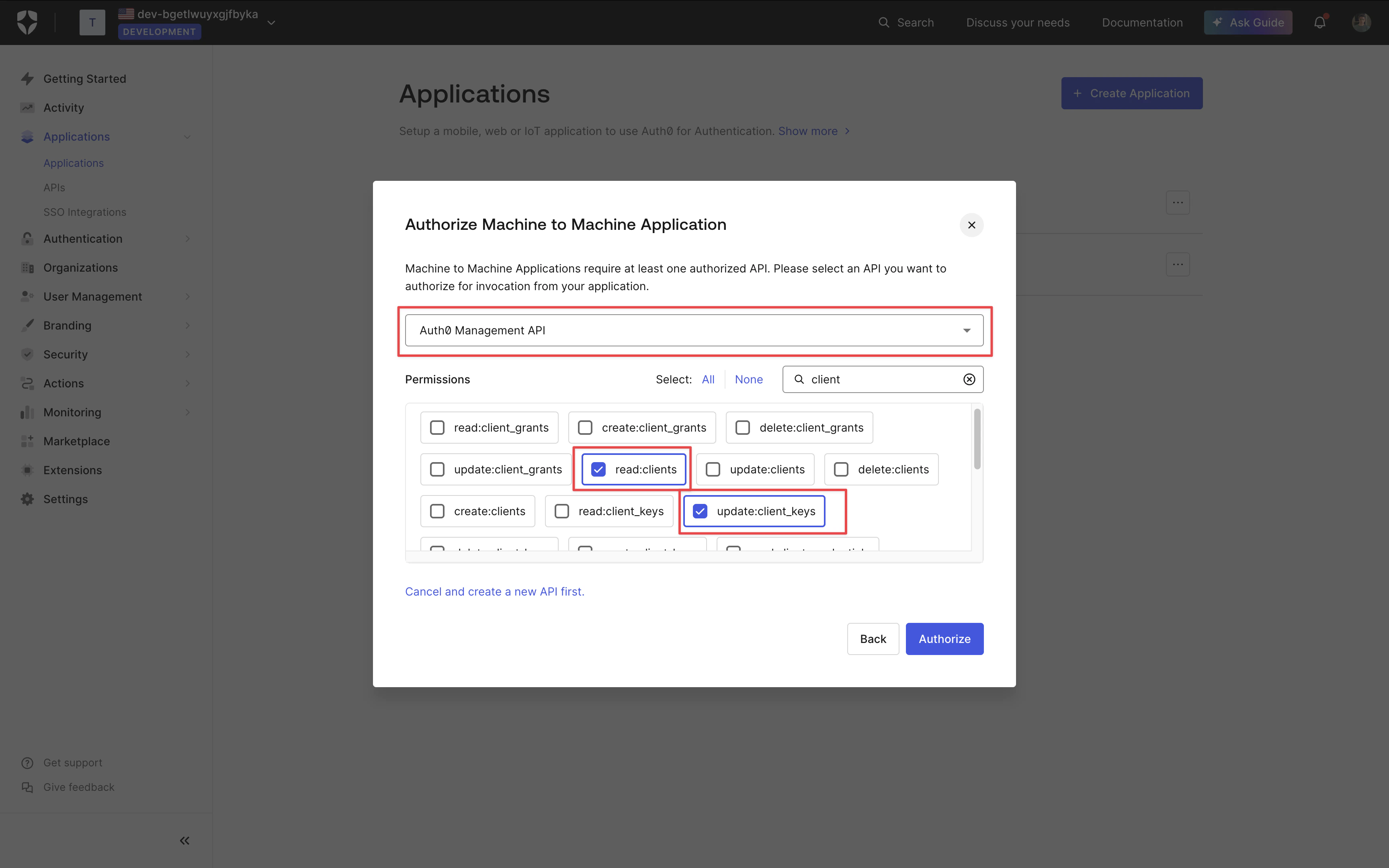
update:client_keys and read:clients permission.Application Client Credentials
On your application page, select the Settings tab and copy the Domain, Client ID and Client Secret for later.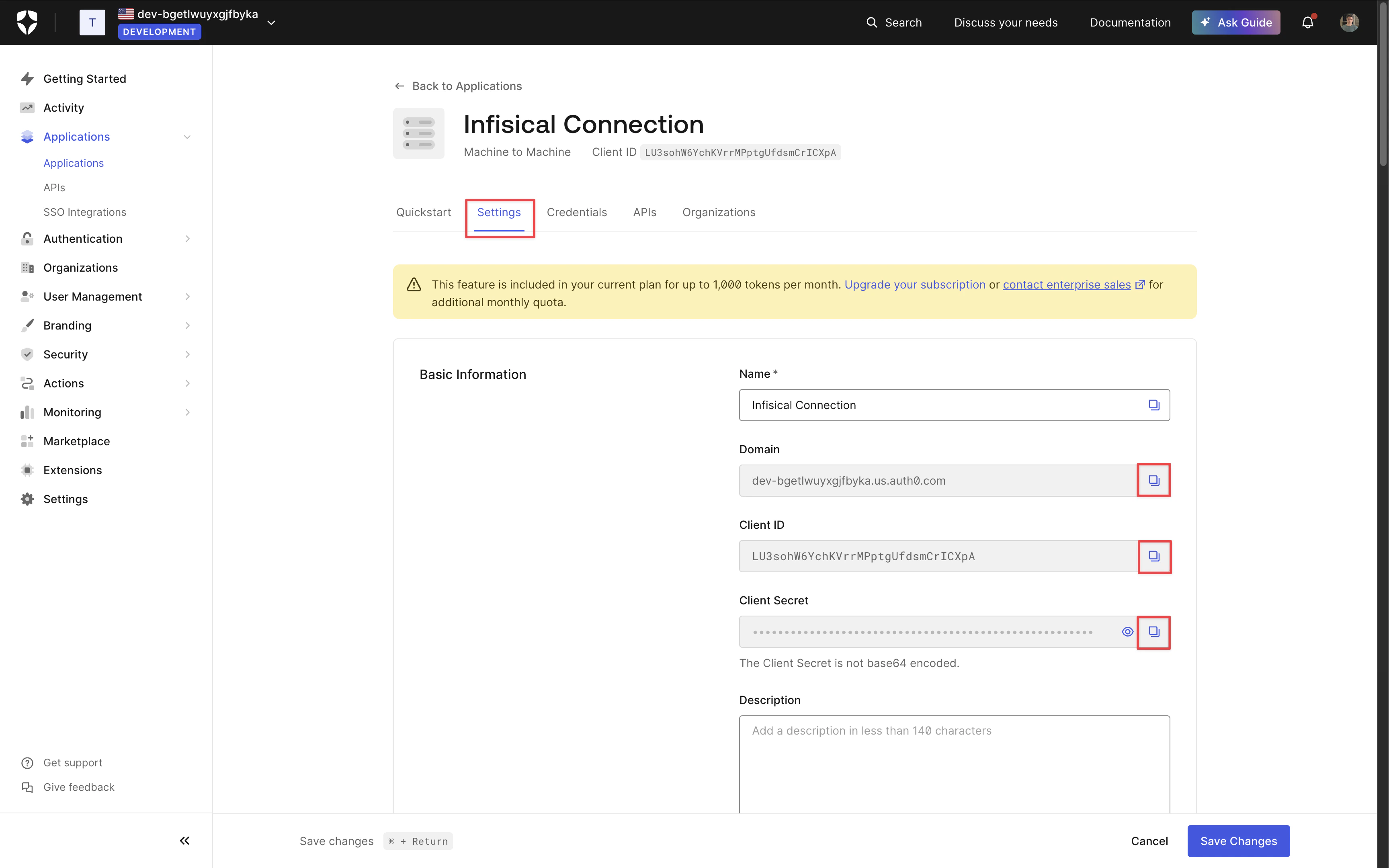
Setup Auth0 Connection in Infisical
- Infisical UI
- API
-
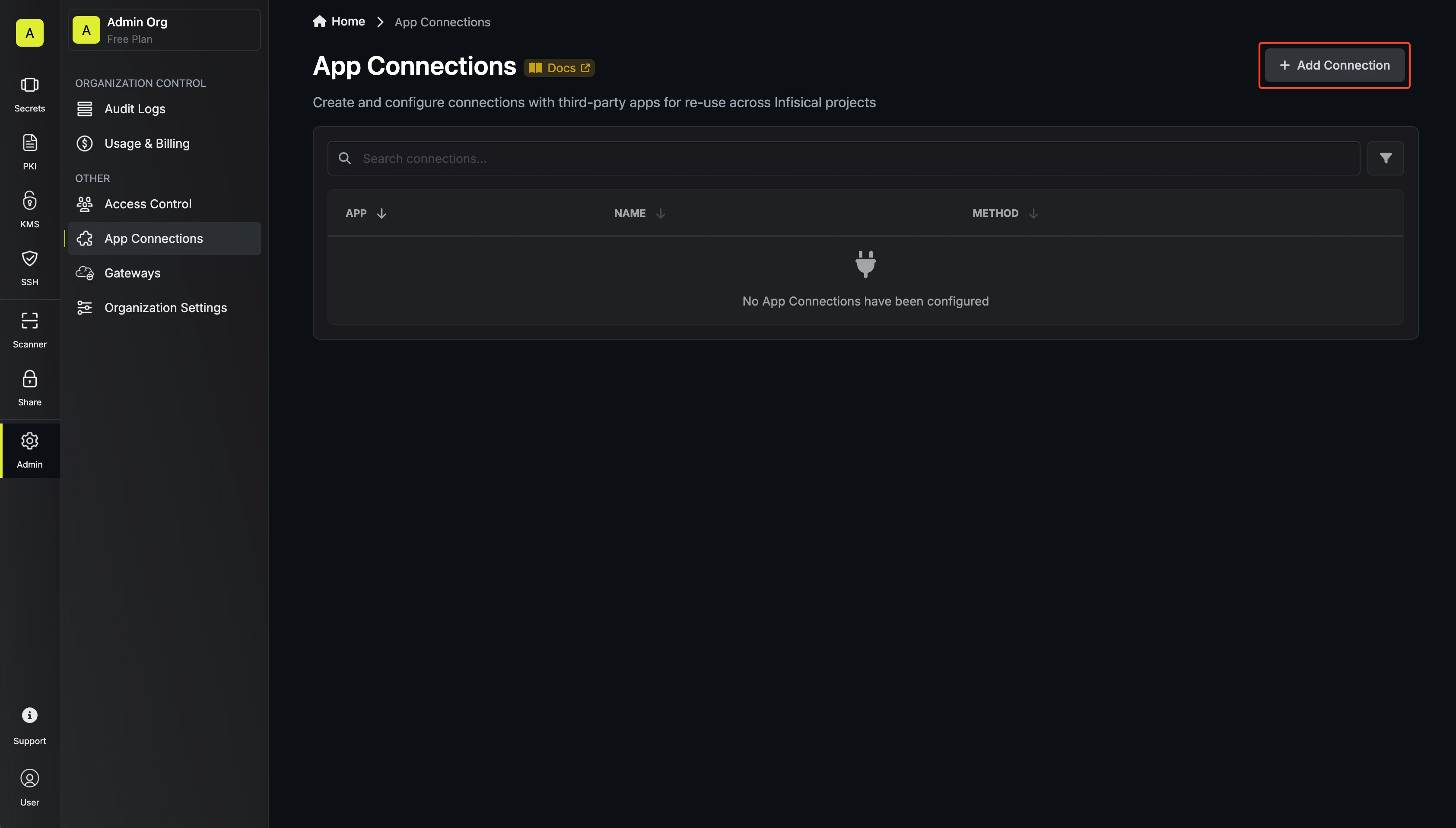
Navigate to the App Connections tab on the Organization Settings page.
-
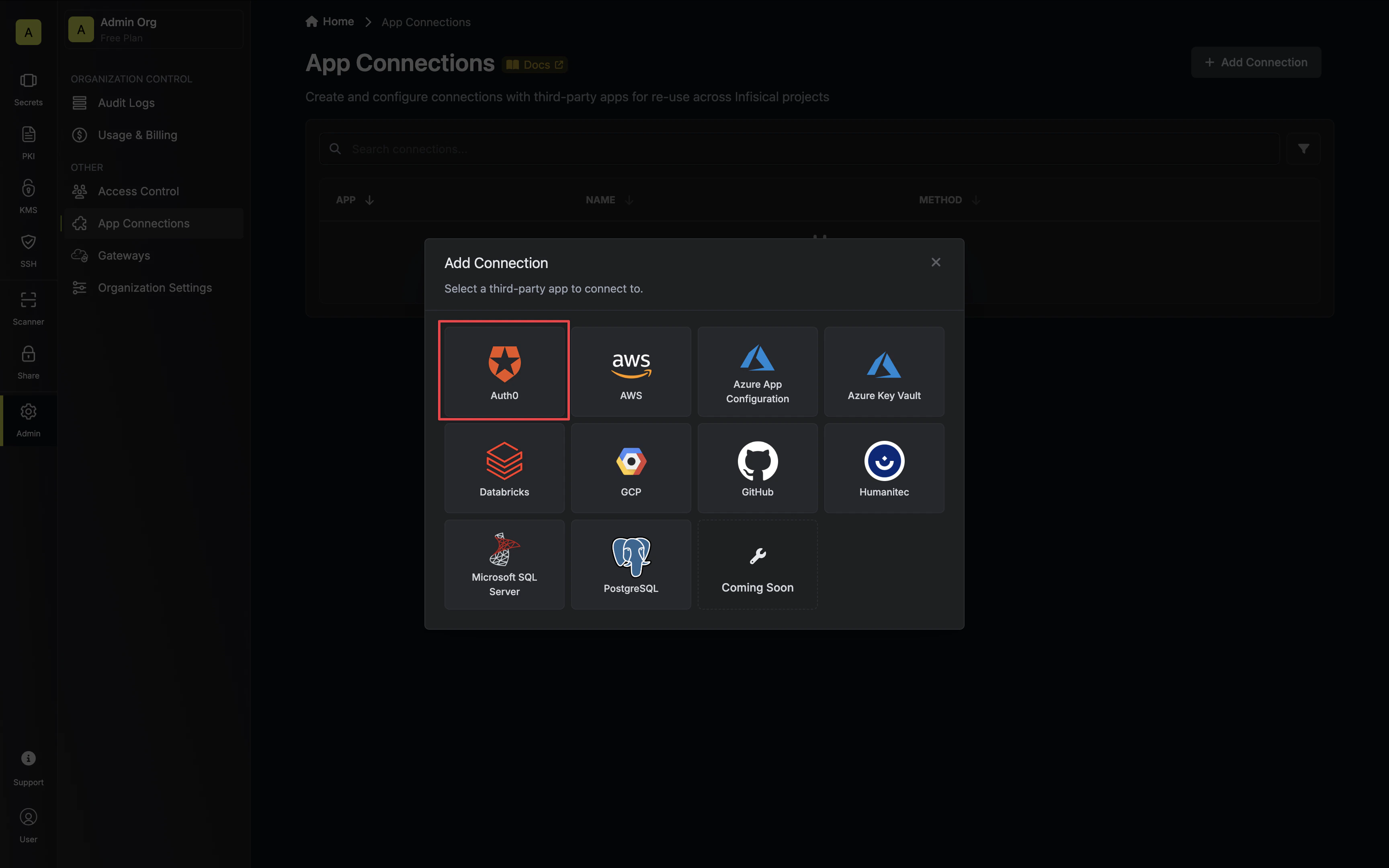
Select the Auth0 Connection option.
-
Select the Client Credentials method option and provide the details obtained from the previous section and press Connect to Auth0.
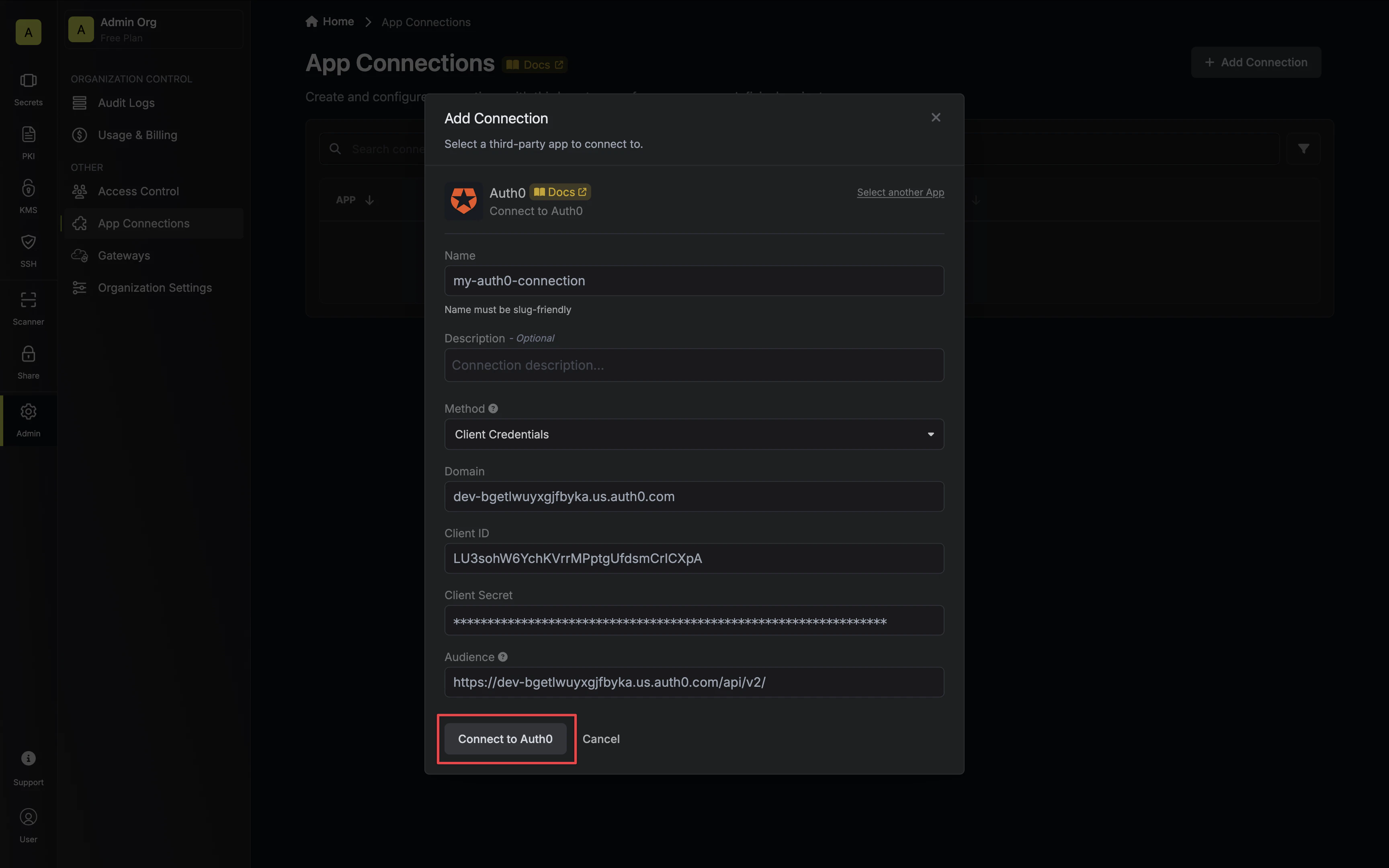
-
Your Auth0 Connection is now available for use.