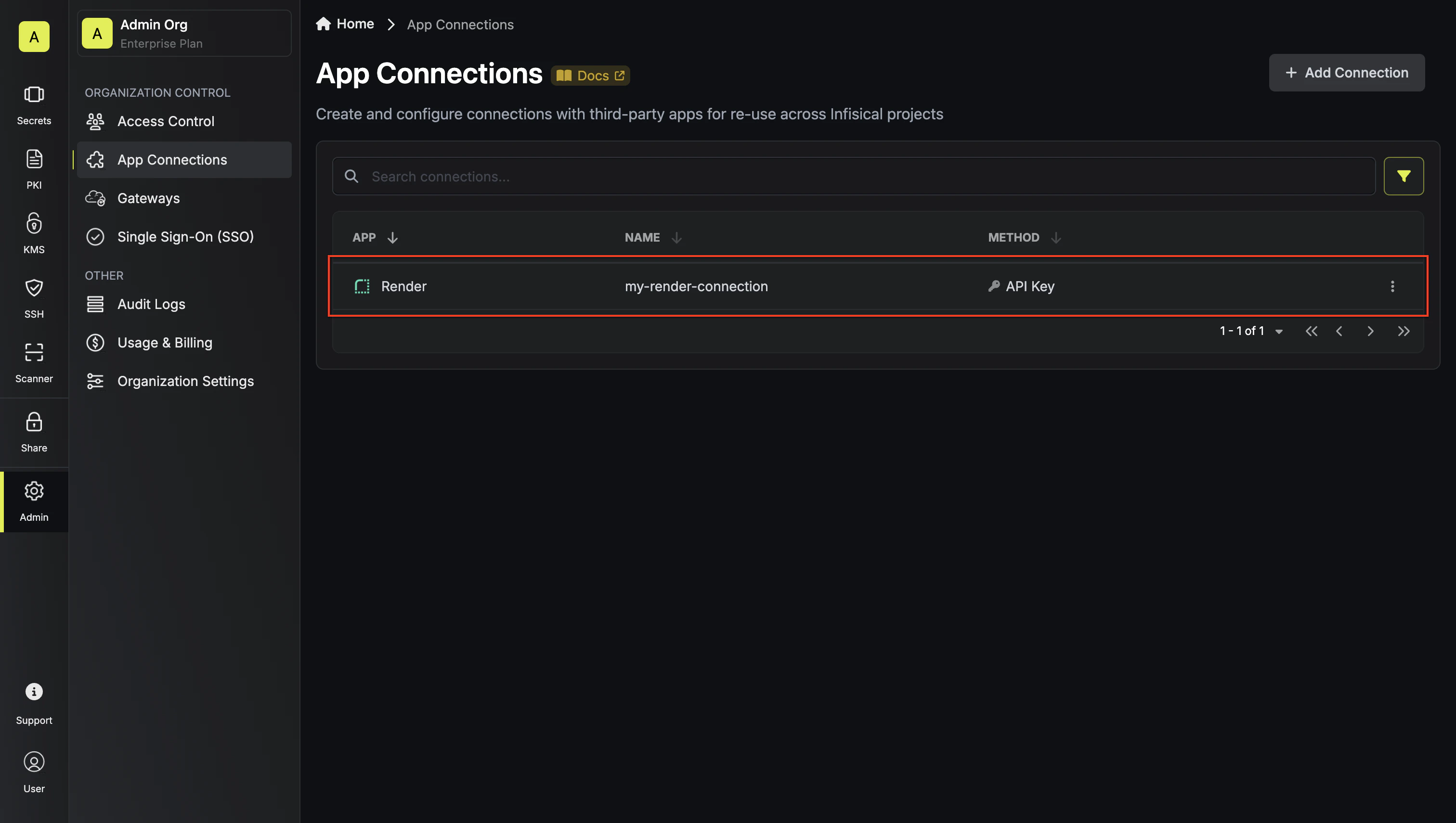
Infisical supports connecting to Render using API keys for secure access to your Render services.Documentation Index
Fetch the complete documentation index at: https://infisical-feat-gateway-connector.mintlify.app/llms.txt
Use this file to discover all available pages before exploring further.
Configure API Key for Infisical
Access Account Settings
Navigate to your Render dashboard and click on Account Settings in the
top right corner. 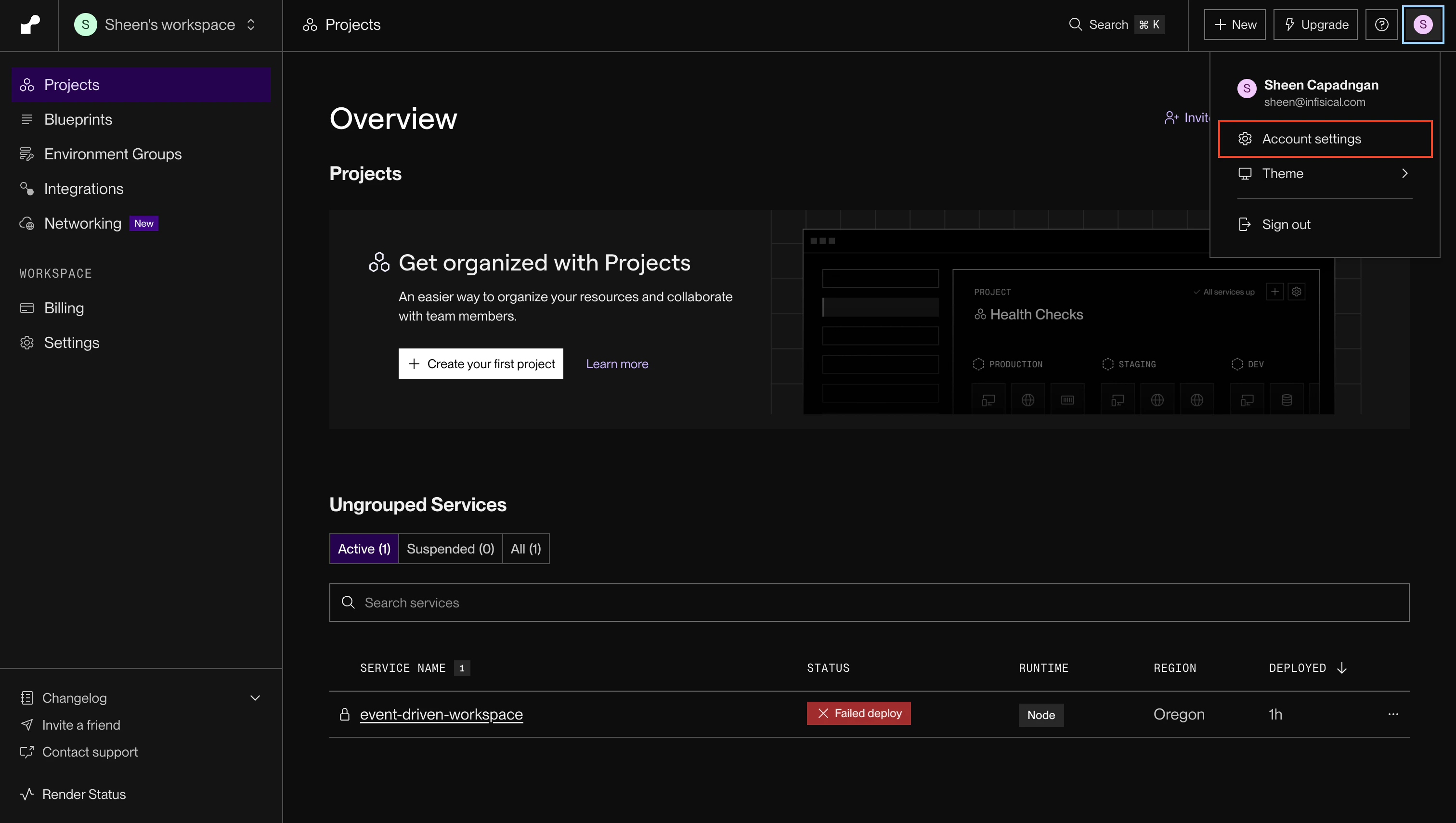
Generate API Key
In the Account Settings page, scroll down to the API Keys section and
click Create API Key. 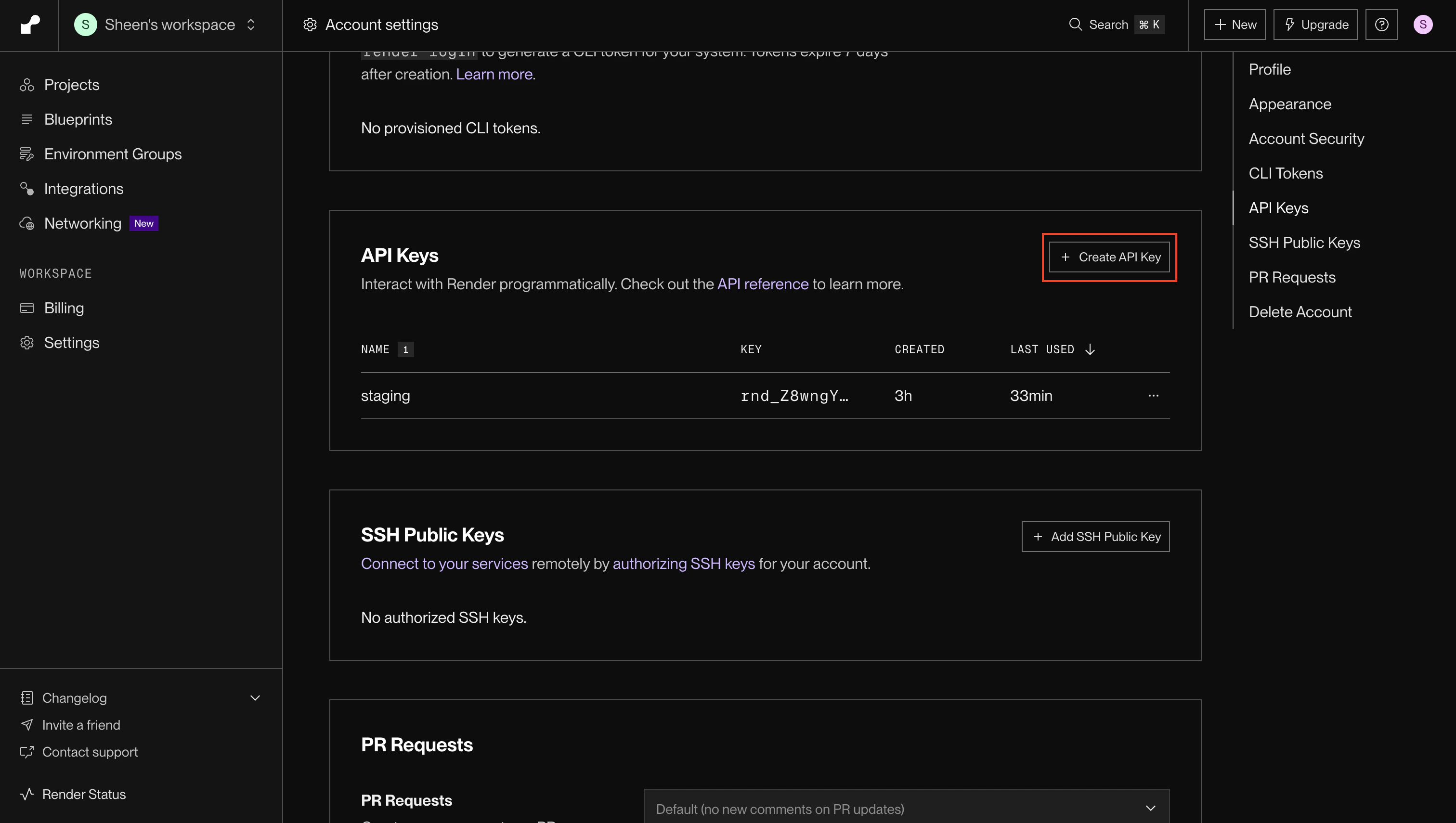
Name Your API Key
Enter a descriptive name for your API key (e.g., “production”)
and click Create API Key. 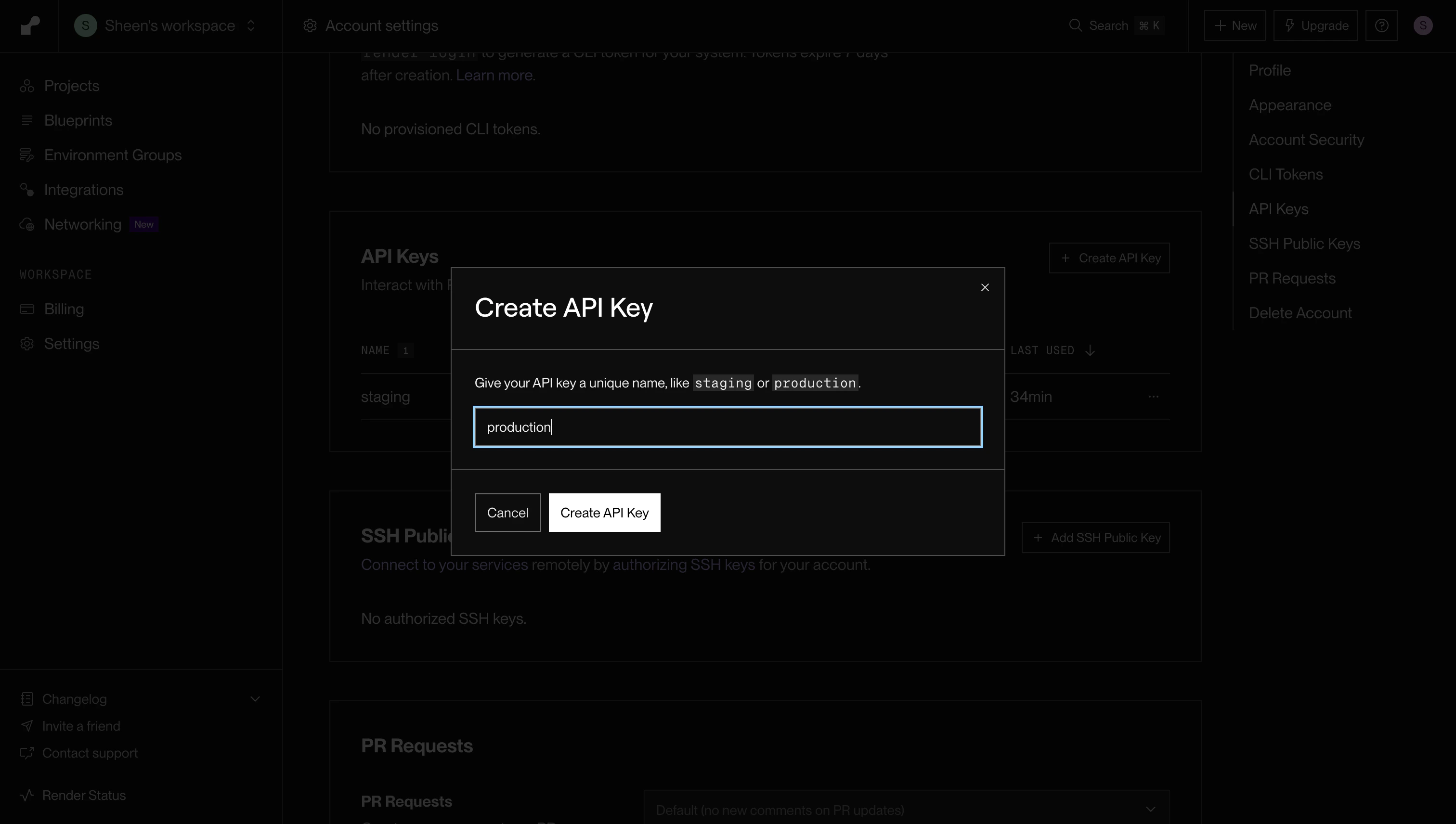
Setup Render Connection in Infisical
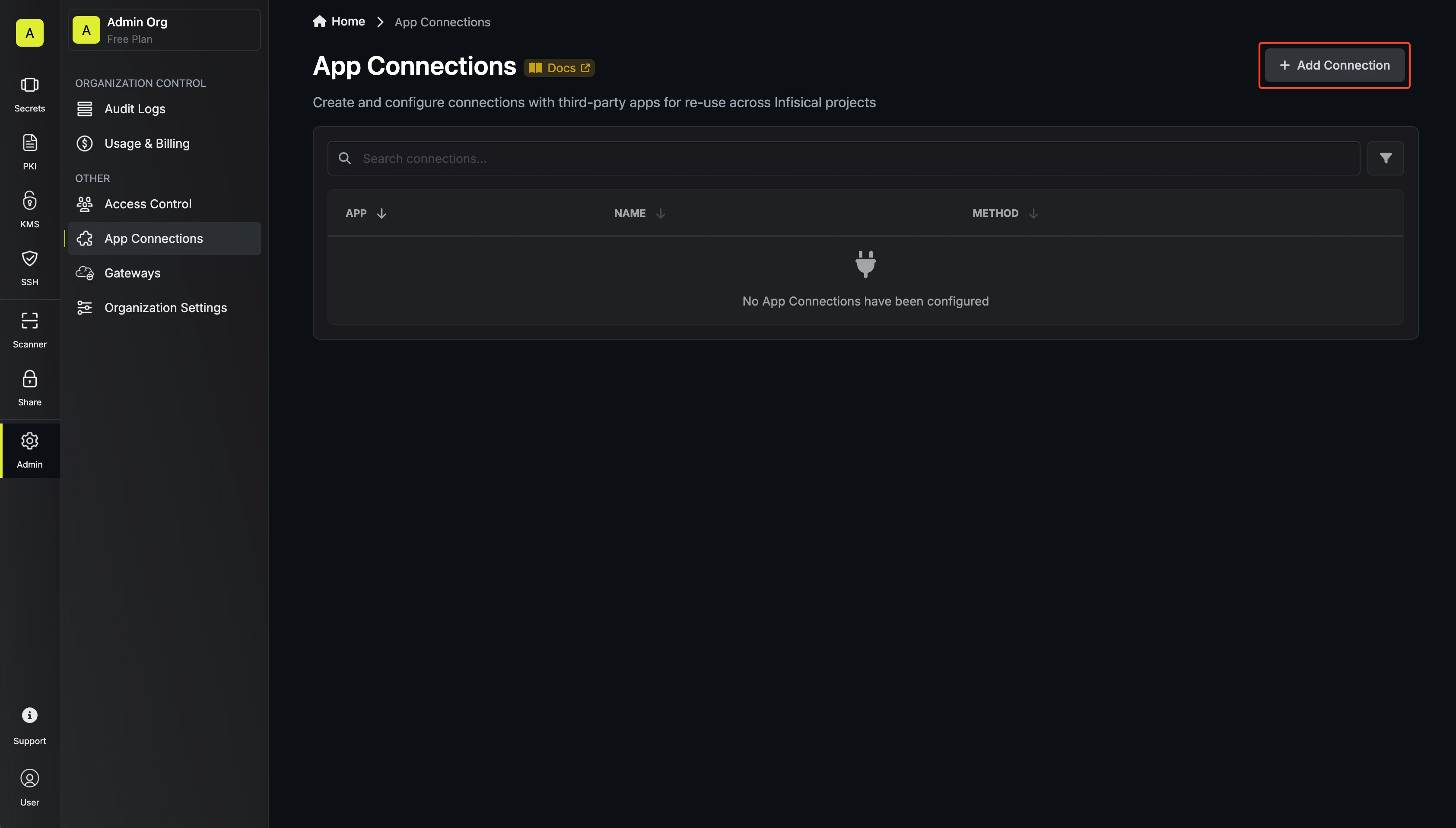
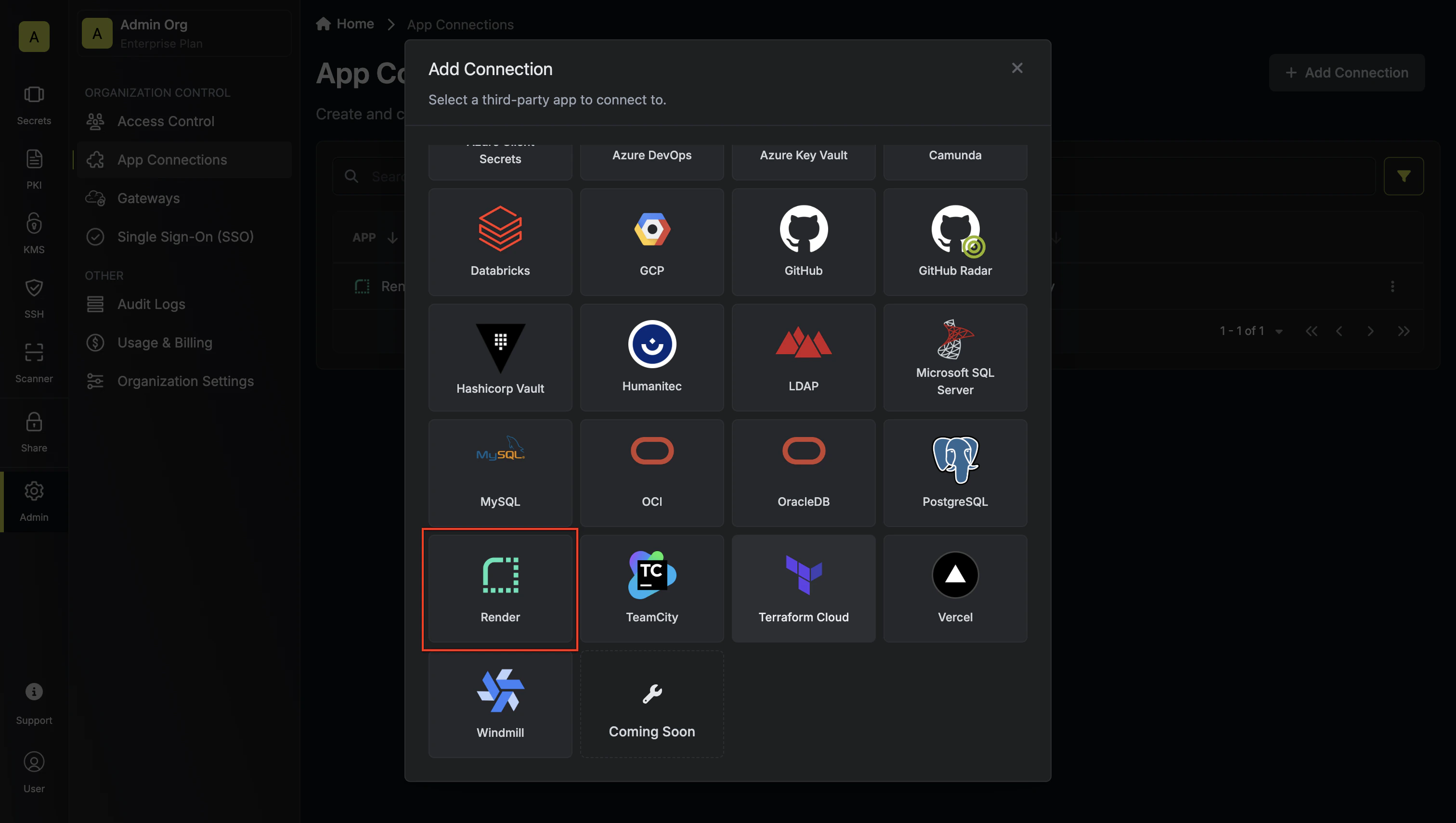
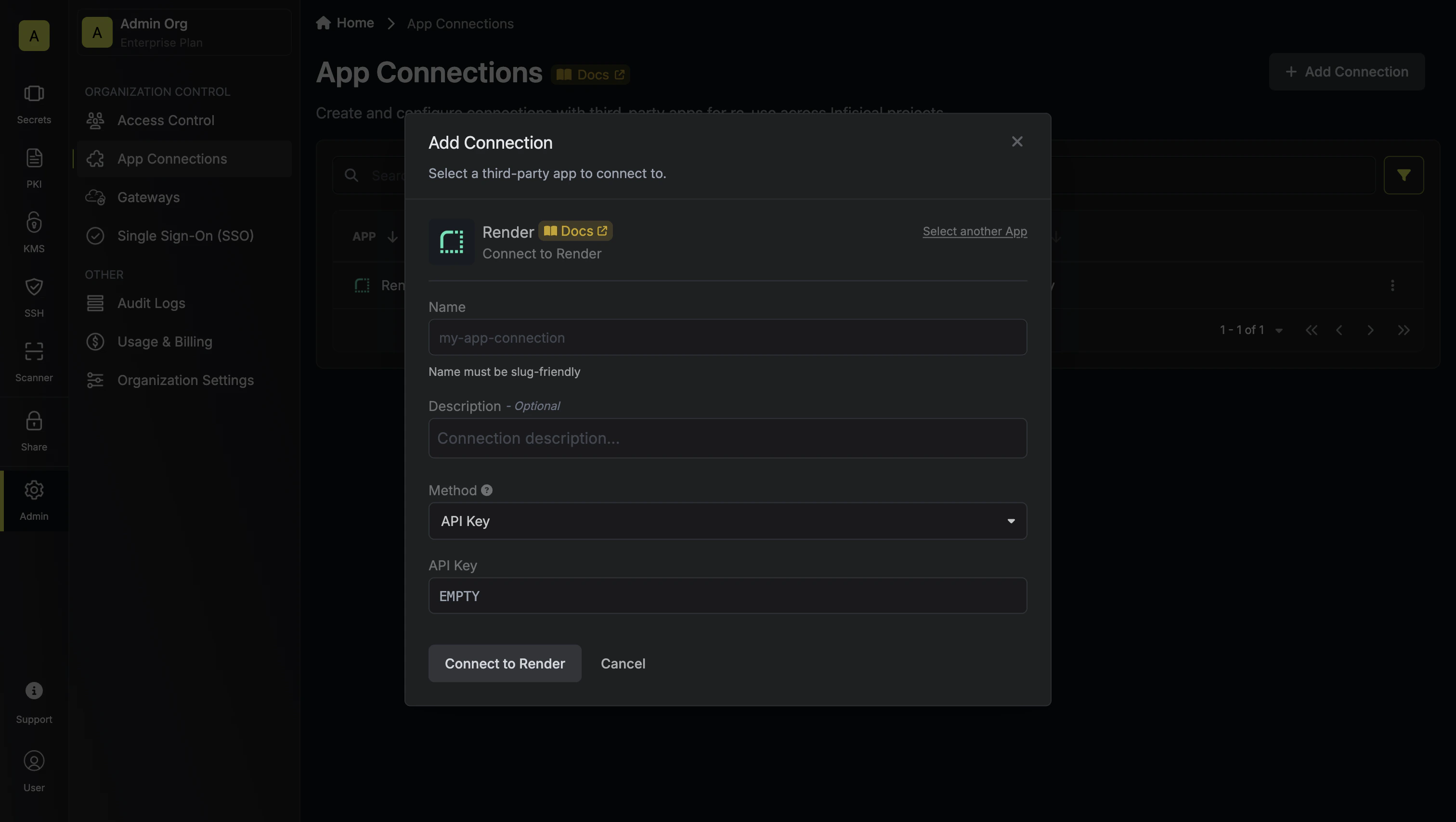
Input API Key
Enter your Render API key in the provided field and click Connect to
Render to establish the connection.